Trigger exports or workflows from save events and control sync behavior inside Bricks.
Updated 5 June 2026·Task guide
Outcome
Template or component saves can trigger export/workflow behavior without breaking the builder canvas, and Bricks users can manage workflow-on-save from the builder panel.
Video walkthrough
▶
Video walkthrough coming soon.
The YouTube embed will appear here.
Risk level
Medium. Save-triggered workflows are convenient but can surprise teams. Start export-only.
Before you start
Choose Manual, Auto, or Workflow sync mode deliberately.
Understand which workflow should run on save.
Use dry runs or low-risk export-only workflows before enabling production-facing actions.
Steps
Pick the sync mode Use Manual for control, Auto Export for Git-backed JSON, or Workflow mode for a named workflow on save.
Open the builder panel In Bricks, use the WPChangeSync toolbar icon to review sync mode and workflow-on-save settings.
Start with export-only Avoid remote push/import on save until the workflow has been tested.
Save and inspect Activity Confirm the export queue or workflow run completed after save.
Watch for multisite context Make sure you are saving on the intended subsite before enabling automatic behavior.
Screenshots
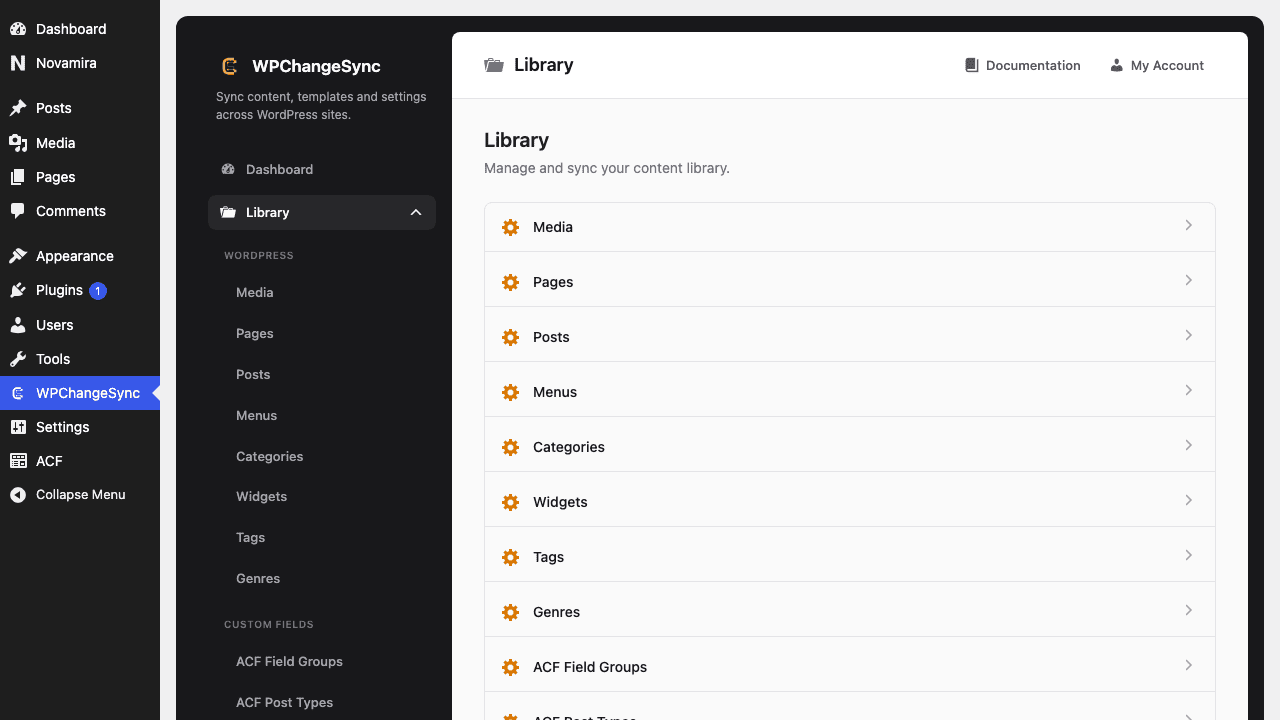
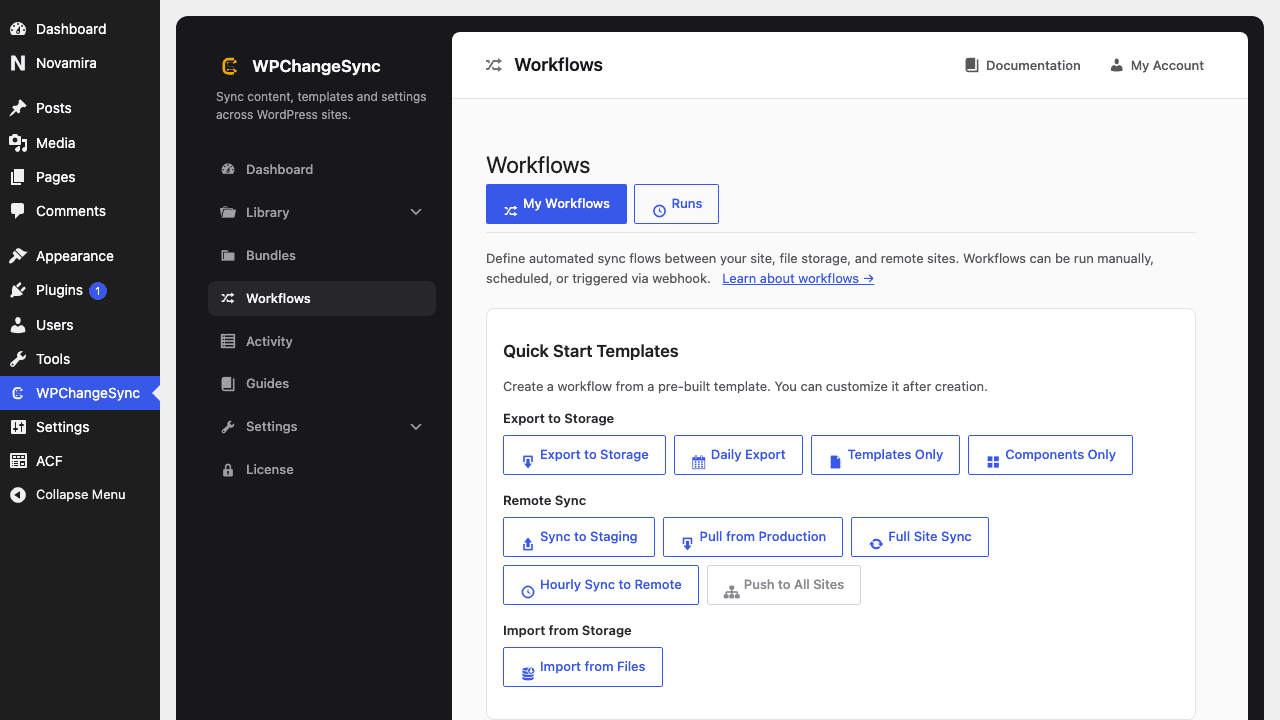
Open a Library sectionAdd workflows only when you want automation
Why saves no longer break the canvas
The export queue defers save-related exports to shutdown, which prevents empty builder canvas issues during certain save flows.
Code basis
WPChangeSync includes Builder Panel UI, Workflow Sync Mode, and Export_Queue handling for save-triggered exports.
$pathstringRequired
Absolute path of the directory to write the snapshot to.
$modestringOptionaldefault: two-way
Sync direction — push, pull or two-way.
$gitboolOptionaldefault: false
When true, commits the snapshot to the repository after writing.