WORKFLOW AUTOMATION

Automate WordPress releases with repeatable workflows.

Build dry runs, approvals, maintenance windows, remote pushes, notifications, and activity logging into one controlled release path.
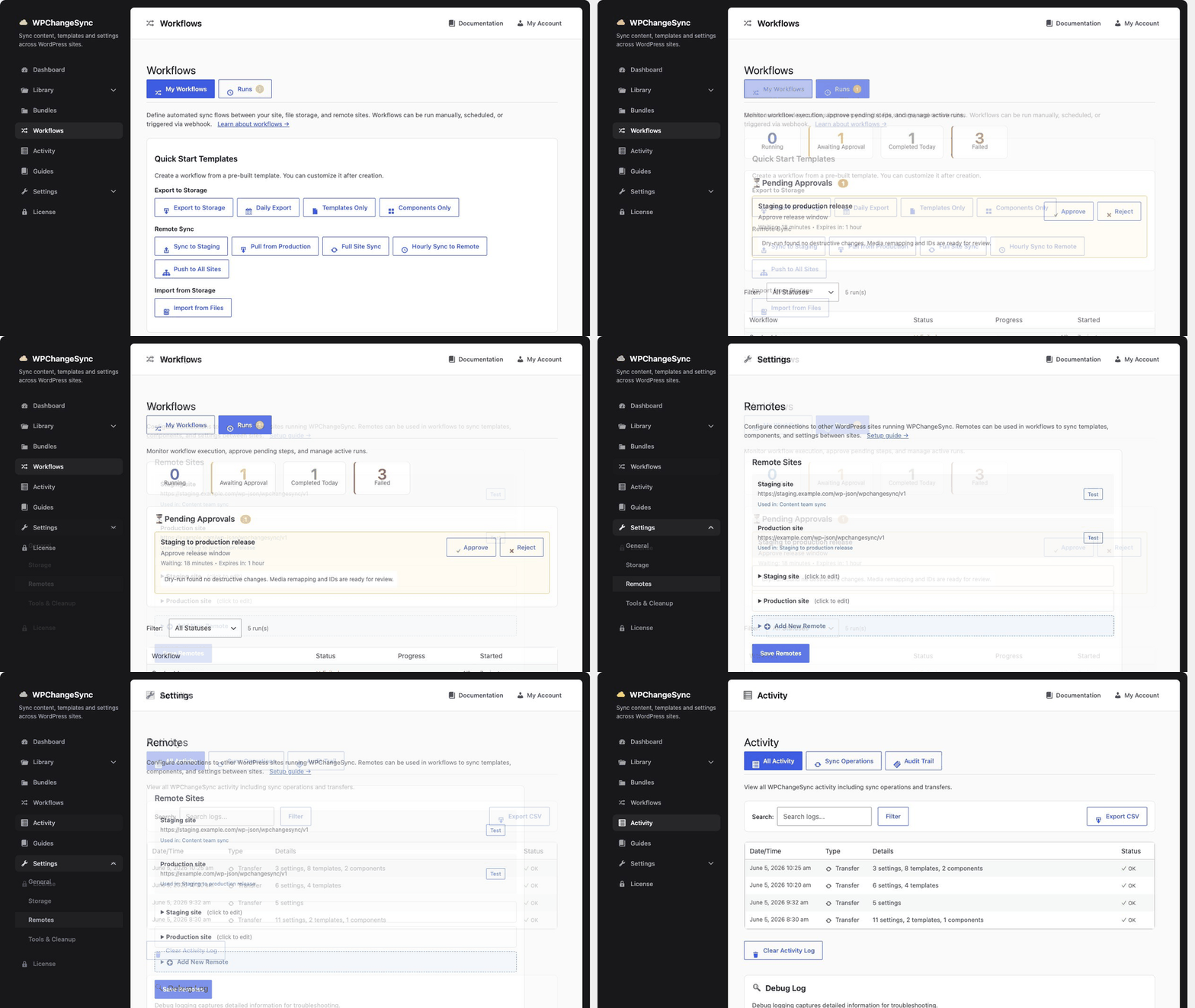
WPChangeSync workflow release walkthrough
01

From preview to production

WPChangeSync workflows turn a risky manual deploy into a predictable sequence that can be reviewed, repeated, and audited.

Select the workflow scope

Choose templates, globals, content types, integrations, or bundles and keep unrelated site data out of the run.

Run a dry-run first

Generate the manifest, inspect planned operations, and catch dependency or conflict issues before anything is imported.

Gate production changes

Require human approval, maintenance mode, backups, or custom checks before a production import proceeds.

Push, pull, or import

Run the workflow locally, through WP-CLI, from a remote connection, or by calling a secured webhook from CI.

Keep a release trail

Every workflow run can leave activity, export files, and audit details for rollback, review, and compliance.

02

Controls for real production sites

The workflow engine is built for teams that need more than a button press.
Core capability

Compose releases from reusable steps.

Combine backups, dry-runs, selective exports, maintenance windows, remote pushes, notifications, shell commands, and webhook calls into named workflows. Teams can reuse those workflows across projects, environments, and multisite networks.

Safety

Dry-runs and approval gates

Preview imports before changing data and add explicit approval where production risk is high.

Automation

WP-CLI, CI, and webhooks

Trigger repeatable release paths from scripts without losing the WPChangeSync audit trail.

Scale

Batch and network-aware runs

Throttle large imports, process multisite rollouts, and keep fleet operations observable.

WORKFLOW GUIDES

Build your first controlled release path.

Start with staging-to-production, then add approvals, notifications, and automation as your process matures.