Guides/Connect Two Sites (Remotes)

Connect Two Sites (Remotes)

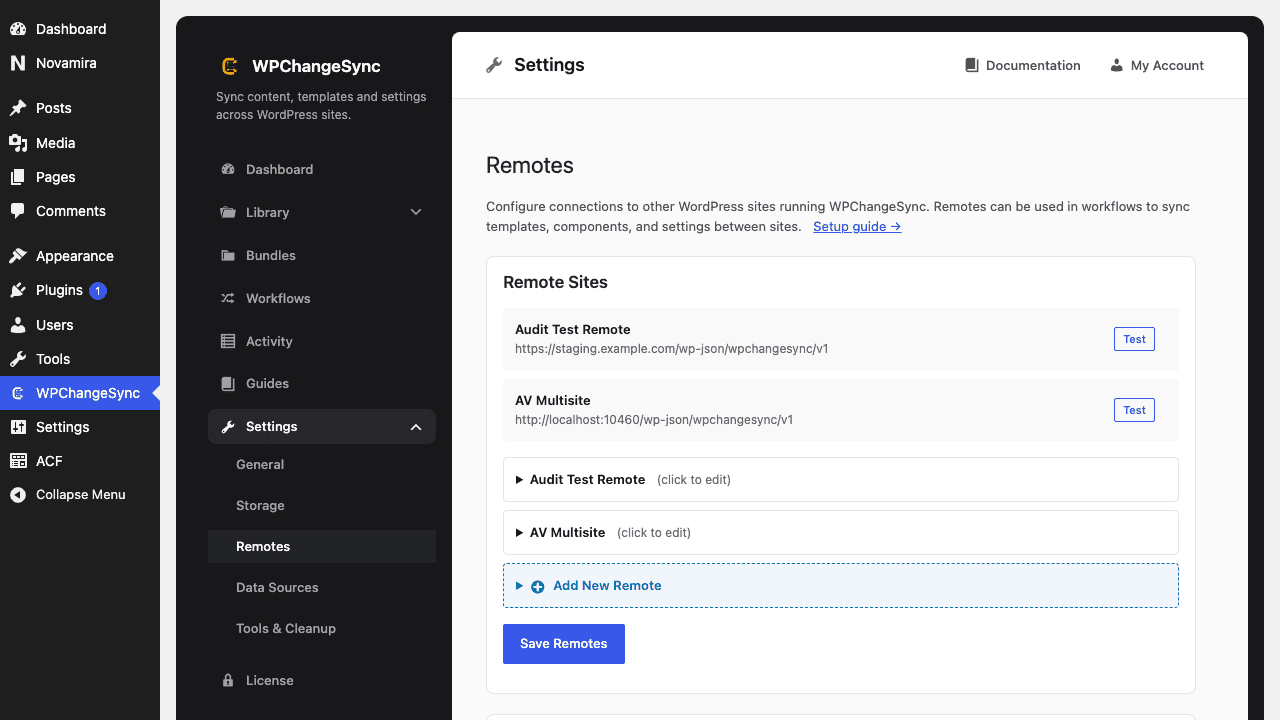
On the site you want to connect to, create an Application Password (Users → Profile), then add it as a remote on this site — now you can push and pull content directly.
Updated 5 June 2026·Task guide

Overview

On the site you want to connect to, create an Application Password (Users → Profile), then add it as a remote on this site — now you can push and pull content directly.

Video walkthrough

Video walkthrough coming soon.

The YouTube embed will appear here.
What this covers

  • Create an Application Password on the target site
  • Add the remote on this site
  • Test the connection
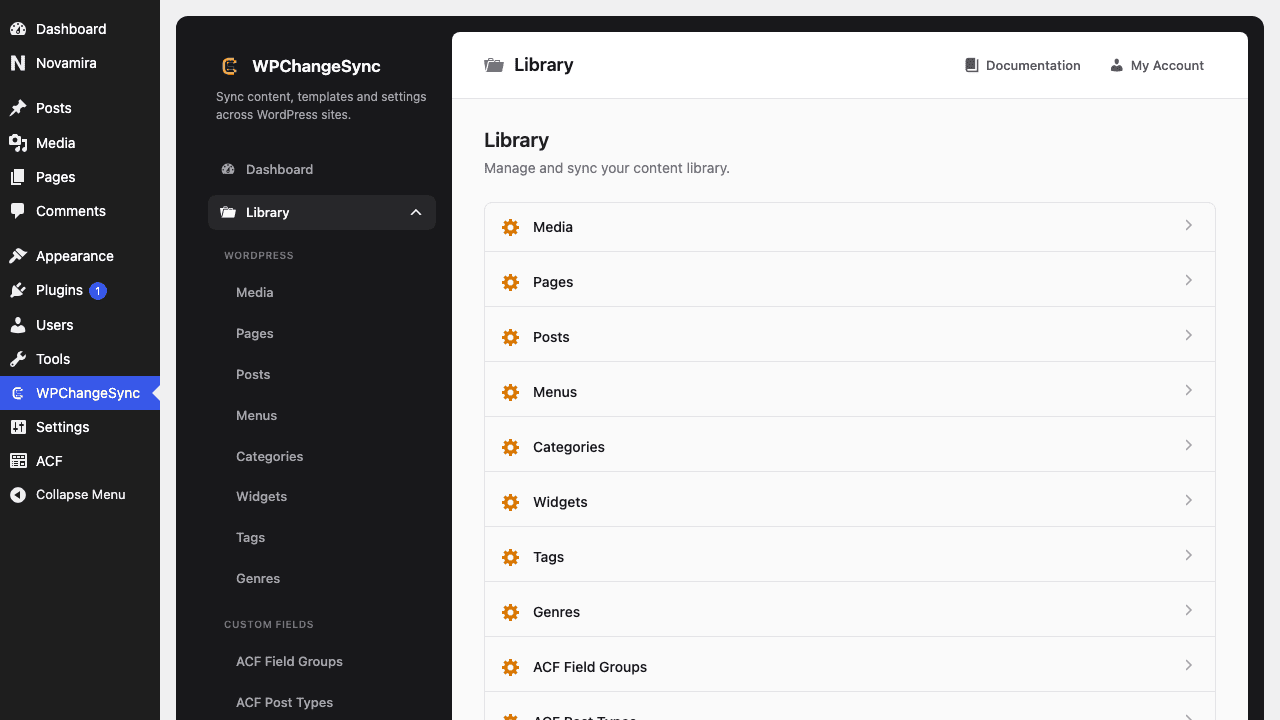
  • Push or pull from the Library
  • Optional: group remotes for one-click multi-push

Screenshots

Create an Application Password on the target site
Push or pull from the Library