Guides/Approval-gated Production Deploy Approval-gated Production Deploy
Require manual approval before a workflow writes to production.
Updated 5 June 2026·Task guide
Outcome
A production workflow can pause before risky steps, notify the right person, and continue only after approval.
Video walkthrough
▶Video walkthrough coming soon.
The YouTube embed will appear here. Risk level
High. Production write path. Approval should be backed by dry-run evidence and rollback plan.
Before you start
- A production remote exists.
- The workflow has clear step labels.
- Approvers know where to review Activity, dry-run output, and conflicts.
- Notifications are configured if you want email or webhook alerts.
Steps
- Create the push or import workflow
Build the normal release workflow first. - Enable approval on production-write steps
Use approval gates before import/push steps that can overwrite live data. - Add an approval message
Explain what the approver should verify. - Run dry run
Attach the dry-run result to the approval context. - Approve and continue
Approve only after scope, conflicts, and backups look correct. - Review final Activity
Confirm the workflow completed and no step remains pending.
Screenshots
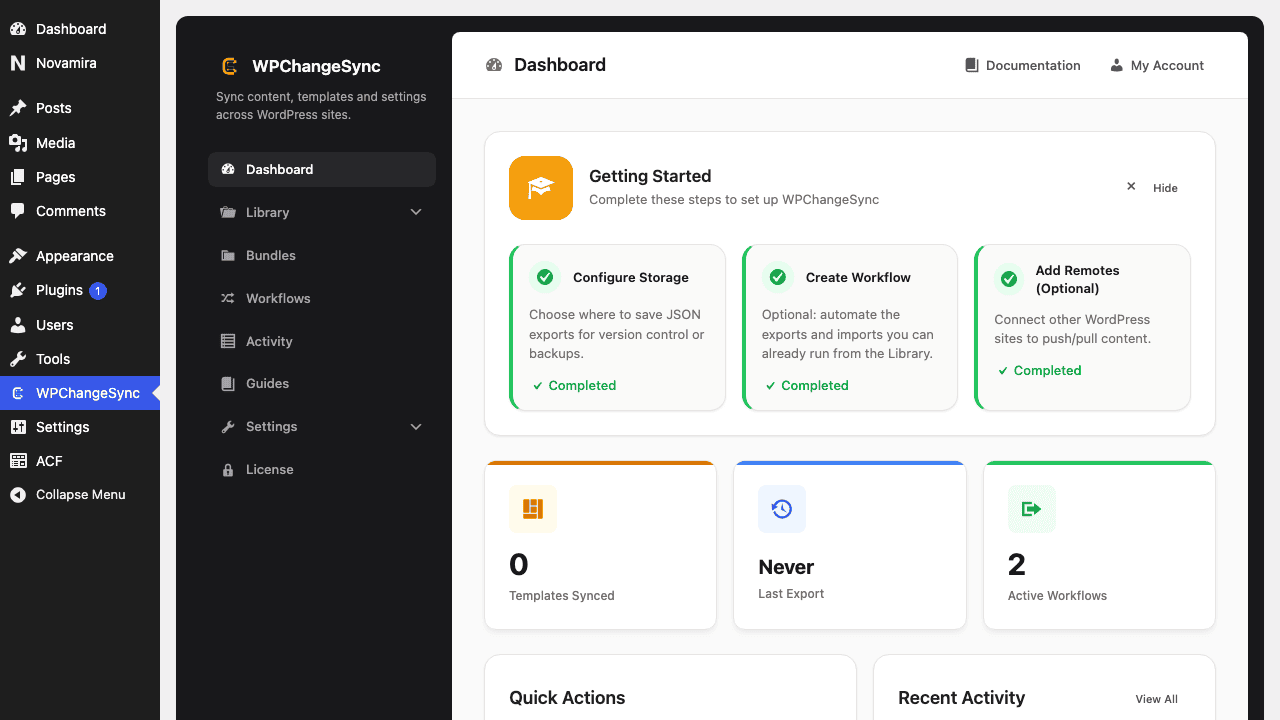 Edit Your Workflow
Step labels matter
Recent code falls back to Step 1, Step 2, etc. for unlabeled approval steps, but meaningful labels still make approvals safer.
Operational rule
Approval gates are most useful when paired with dry runs, backups, explicit conflict strategy, and a release owner.
$pathstringRequired
Absolute path of the directory to write the snapshot to.
$modestringOptionaldefault: two-way
Sync direction — push, pull or two-way.
$gitboolOptionaldefault: false
When true, commits the snapshot to the repository after writing.
