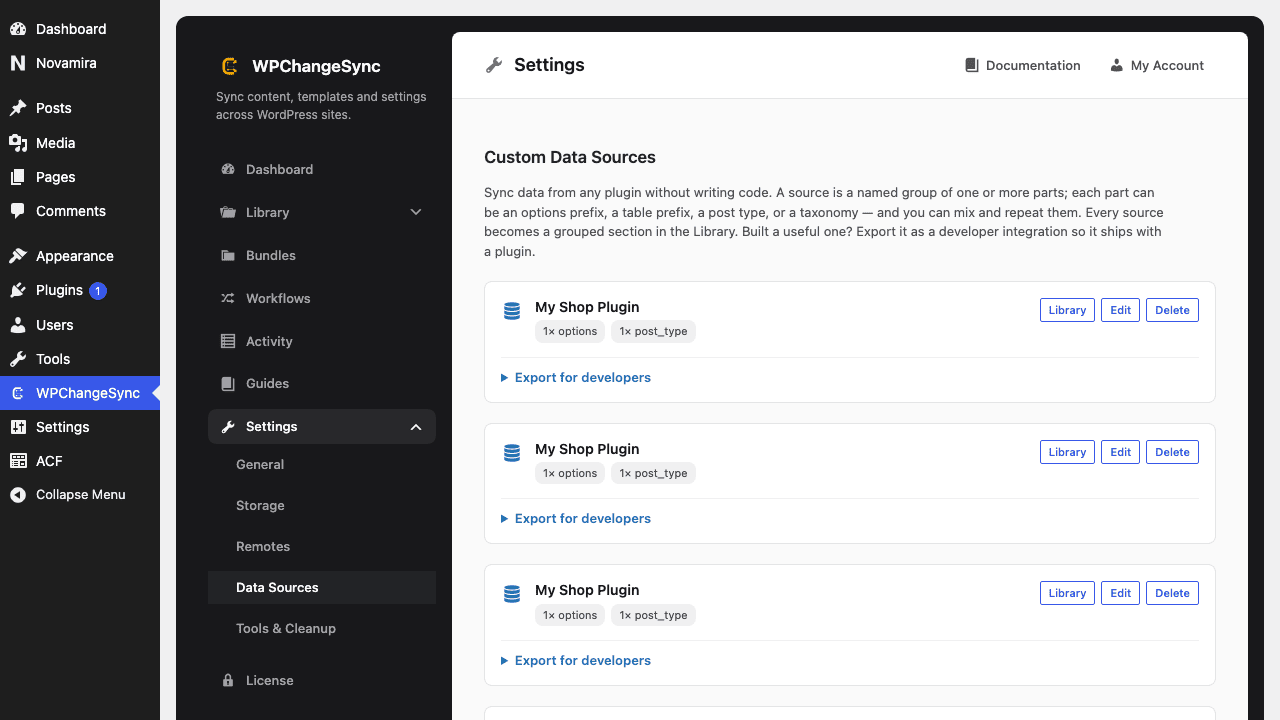
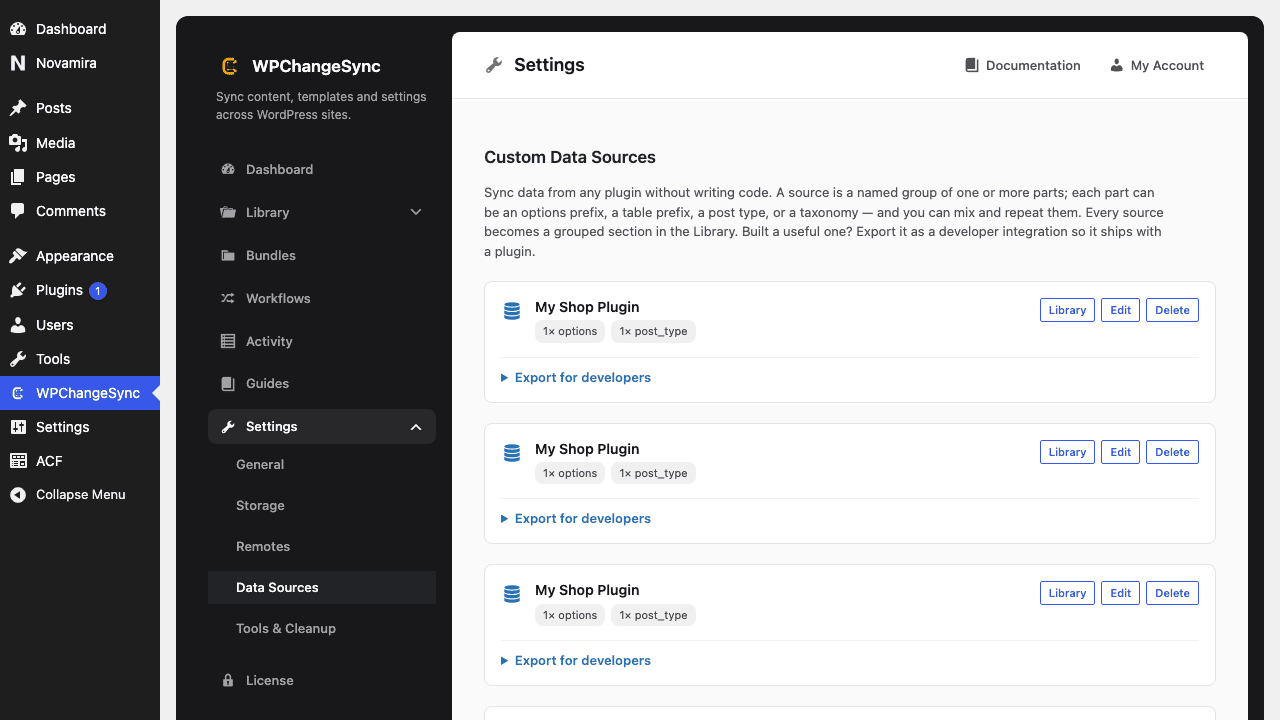
WPChangeSync can sync content from almost any plugin, with no code at all. Build a source from the plugin's options, tables, post types, and taxonomies in Settings → Data Sources.
Updated 5 June 2026·Task guide
Overview
WPChangeSync can sync content from almost any plugin, with no code at all. Build a source from the plugin's options, tables, post types, and taxonomies in Settings → Data Sources.
Video walkthrough
▶
Video walkthrough coming soon.
The YouTube embed will appear here.
What this covers
Settings → Data Sources
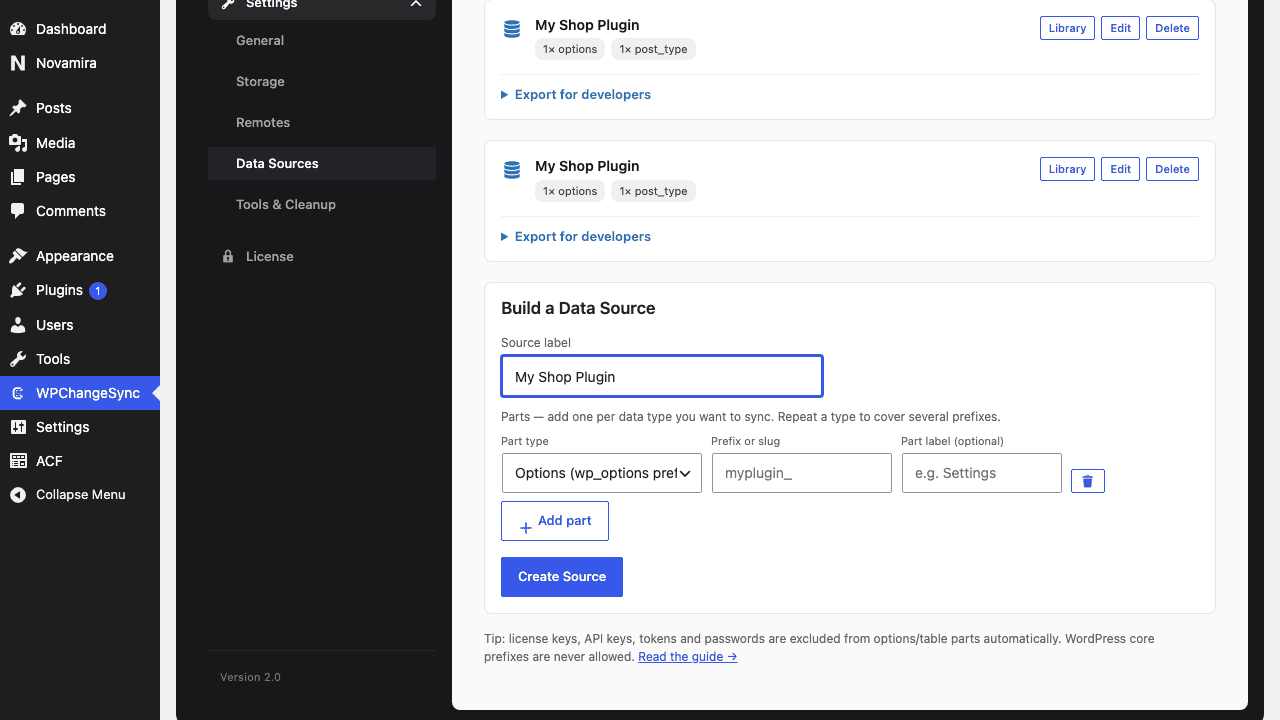
Name your source
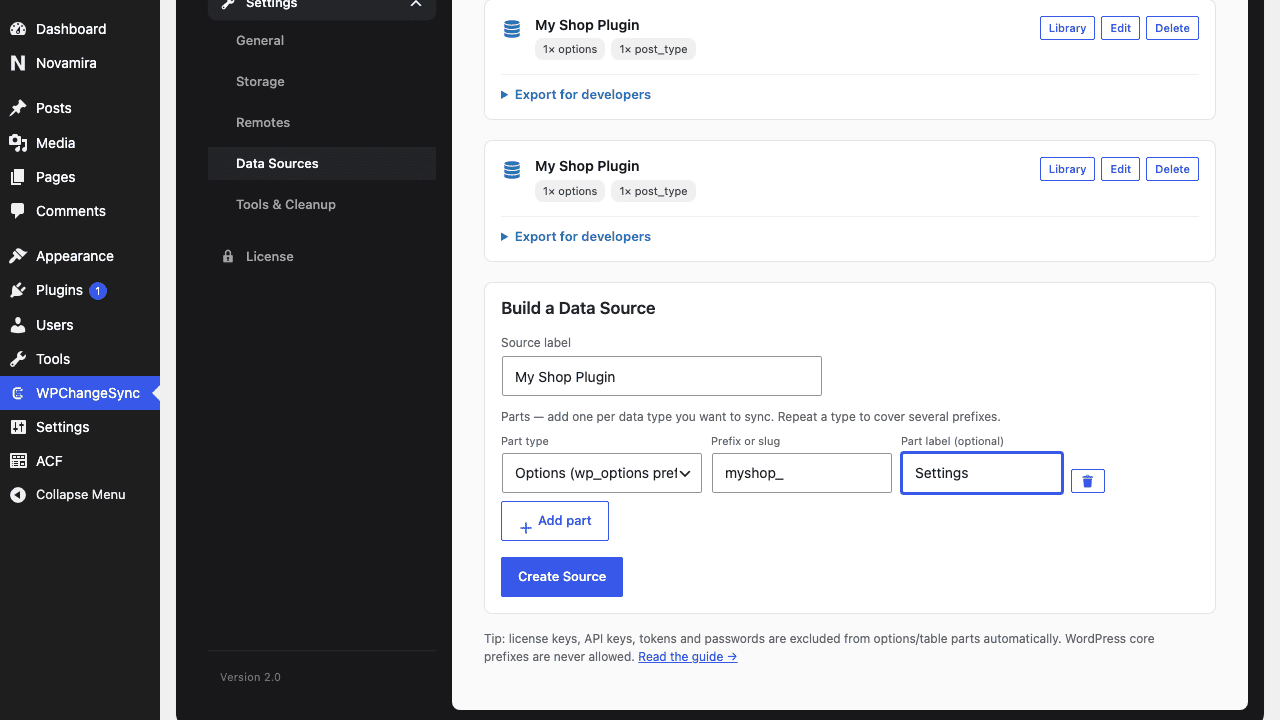
Part 1: the plugin's settings
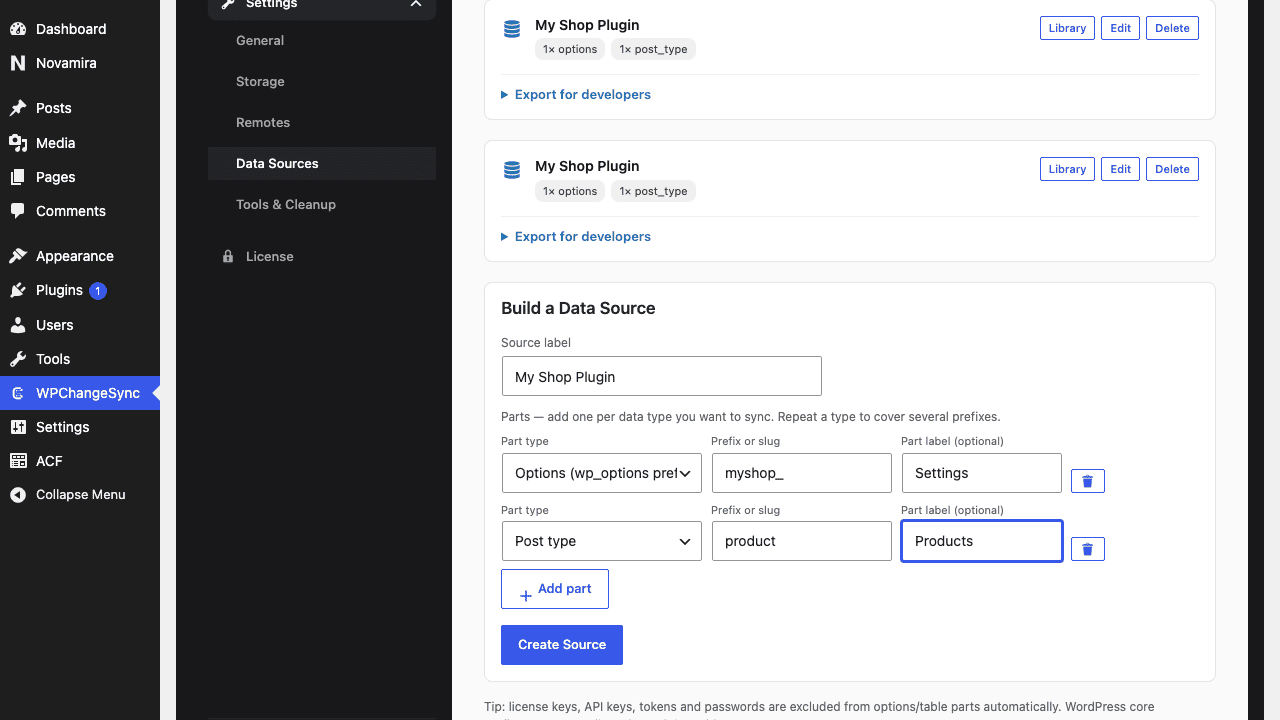
Part 2: its products
Create the source
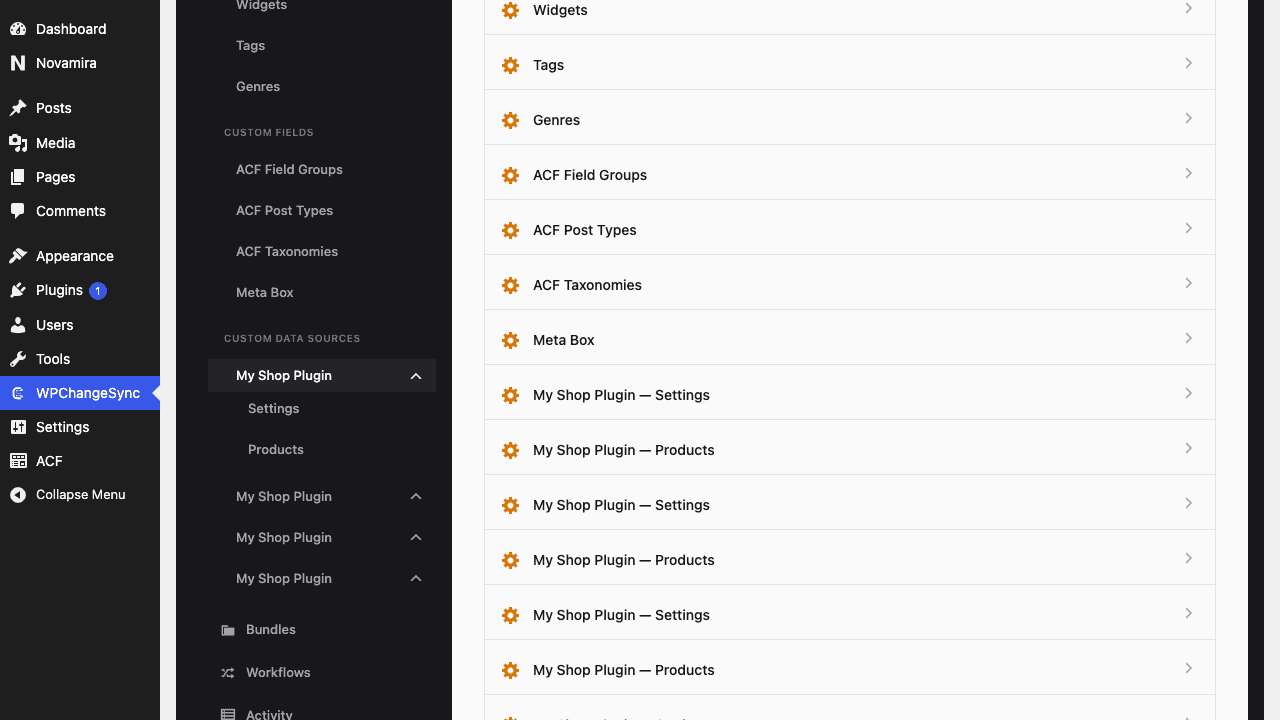
One tidy group in the Library
Export it as a developer integration
Screenshots
WPChangeSync → Settings → Data SourcesName your sourcePart 1: the plugin’s settingsPart 2: its productsCreate the sourceOne tidy group in the Library