Outcome
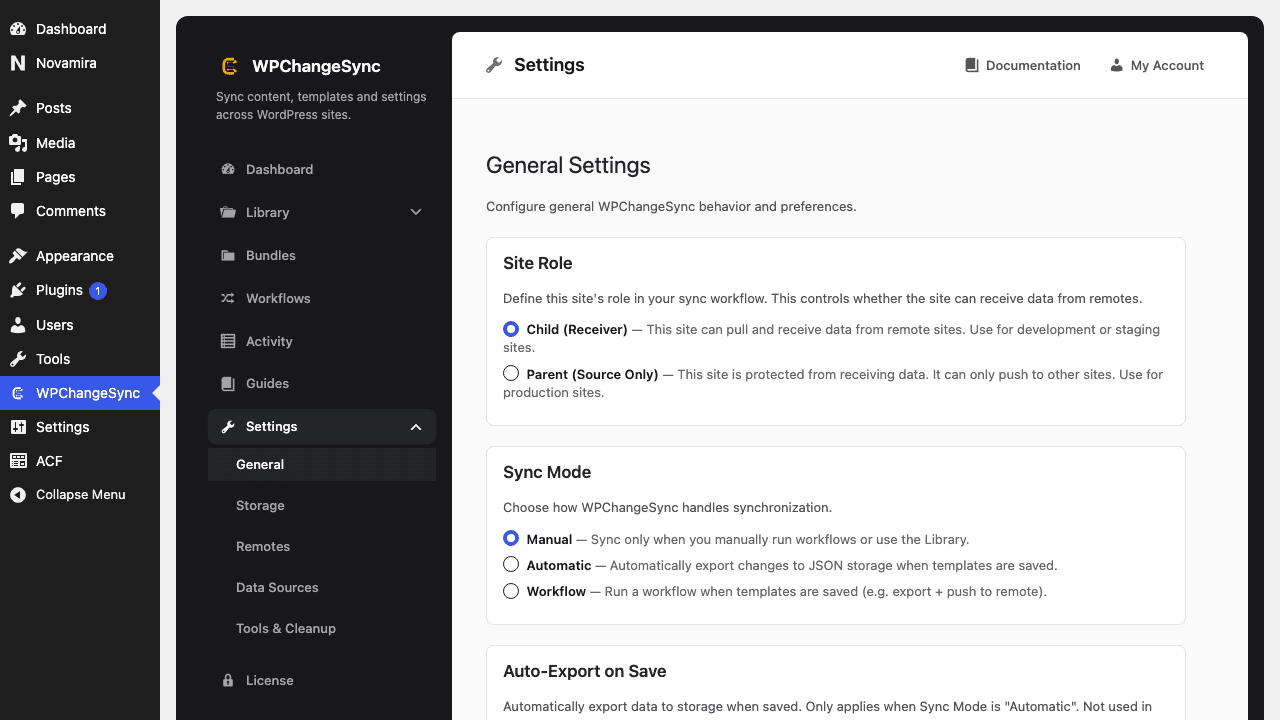
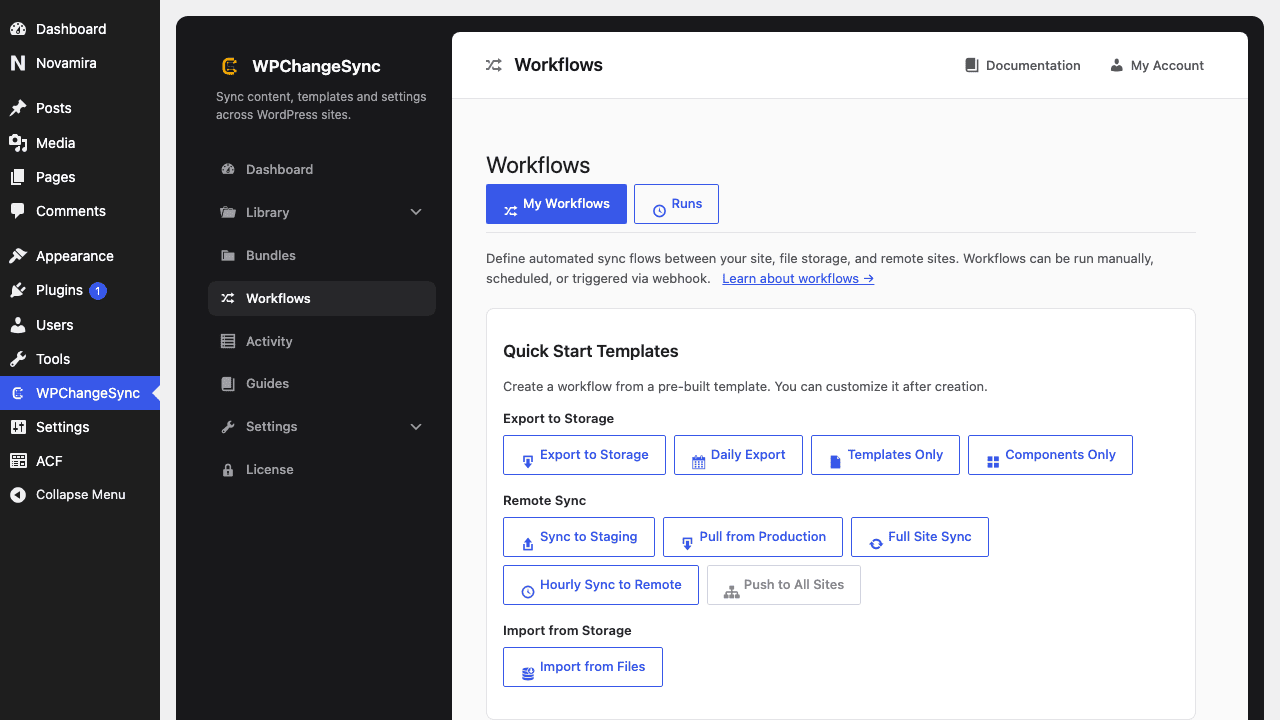
You understand when Manual, Automatic Export, Automatic Import, Full Automatic Sync, and Workflow mode are appropriate, and how to avoid cascading data loss.
You understand when Manual, Automatic Export, Automatic Import, Full Automatic Sync, and Workflow mode are appropriate, and how to avoid cascading data loss.
Video walkthrough coming soon.
The YouTube embed will appear here.High. Automatic write modes can surprise teams. Roll out gradually and monitor Activity.
| Constant | Type | Default | Description |
|---|---|---|---|
BRICKSSYNC_STORAGE_PATH | string | /uploads/bricks-sync | Directory for snapshot files. |
BRICKSSYNC_MODE | string | two-way | Sync direction. |
BRICKSSYNC_AUTO_EXPORT | bool | false | Export when Bricks saves. |
BRICKSSYNC_GIT | bool | false | Auto-commit snapshots. |