Move Bricks global classes, theme styles, variables, colors, and CSS without clobbering local overrides.
Updated 5 June 2026·Task guide
Outcome
Shared design-system styling moves between sites while site-specific overrides are protected.
Video walkthrough
▶
Video walkthrough coming soon.
The YouTube embed will appear here.
Risk level
Medium. Style imports can affect many templates. Use merge/skip where target overrides matter.
Before you start
Separate universal design tokens from site-specific overrides.
Know whether merge or overwrite is appropriate.
Include variables and CSS framework config when templates depend on them.
Steps
Export styles from the source Select global classes, theme styles, colors, variables, and relevant framework settings.
Review JSON diff Look for accidental site-specific values.
Dry-run on staging Preview conflicts before touching production.
Use merge when preserving overrides Merge is safer when target sites intentionally differ.
Verify Bricks Site Config Load Global Styles/Site Config after import and confirm no sidebar/config warnings appear.
Screenshots
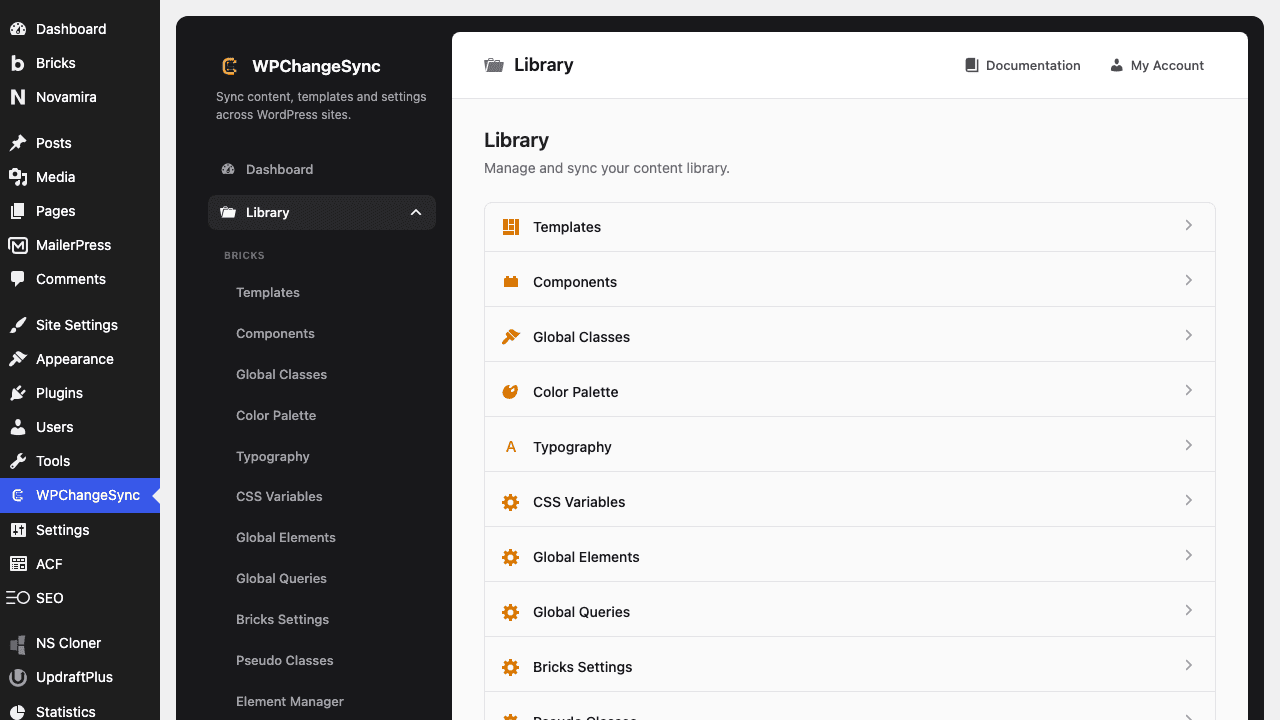
Global Styles Sync
Sidebar normalization is handled
Recent code repairs malformed Bricks sidebar definitions before Bricks receives them, reducing Site Config warnings after imports.
Related integrations
Use Bricks global classes, theme styles, colors, variables, custom CSS, settings, sidebars, and framework integrations together when they form one styling system.
$pathstringRequired
Absolute path of the directory to write the snapshot to.
$modestringOptionaldefault: two-way
Sync direction — push, pull or two-way.
$gitboolOptionaldefault: false
When true, commits the snapshot to the repository after writing.