Guides/Import from Storage

Import from Storage

Import reviewed JSON files into a target site with dry runs, conflicts, and backups.
Updated 5 June 2026·Task guide

Outcome

A target site imports JSON files from storage after the payload has been reviewed and conflict behavior has been chosen.

Video walkthrough

Video walkthrough coming soon.

The YouTube embed will appear here.
Risk level

High. Import path. Review JSON, run dry run, and keep backup/version history.
Before you start

  • The target site has a current backup.
  • The JSON files come from a trusted export.
  • Related integrations are present when required.
  • Conflict strategy is explicit.

Steps

  1. Place files in the configured storage path
    Use Git checkout, deployment artifact, or uploaded export files.
  2. Run an import dry run
    Preview created, updated, skipped, and conflicted items.
  3. Resolve conflicts
    Use skip, overwrite, merge, or prompt depending on site ownership.
  4. Import in a maintenance window
    Run the import when editors are not actively changing the same data.
  5. Verify and keep backups
    Check pages/templates and retain backups until the release is accepted.

Screenshots

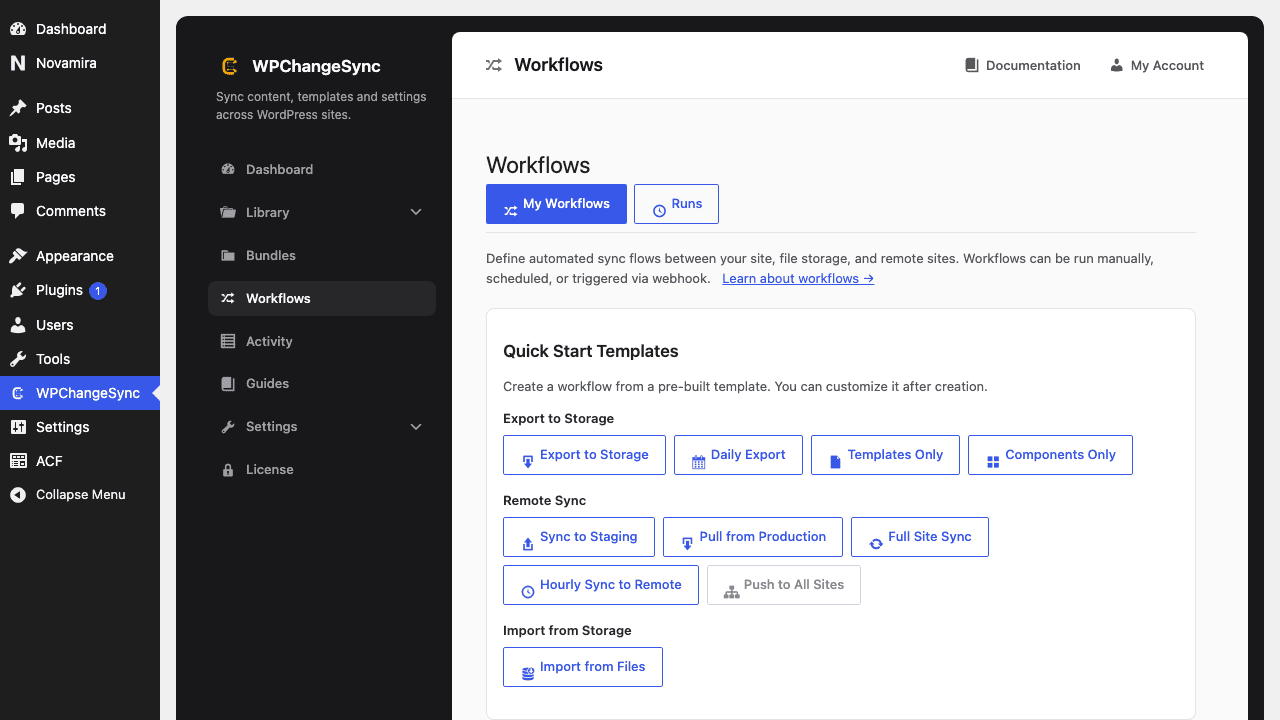
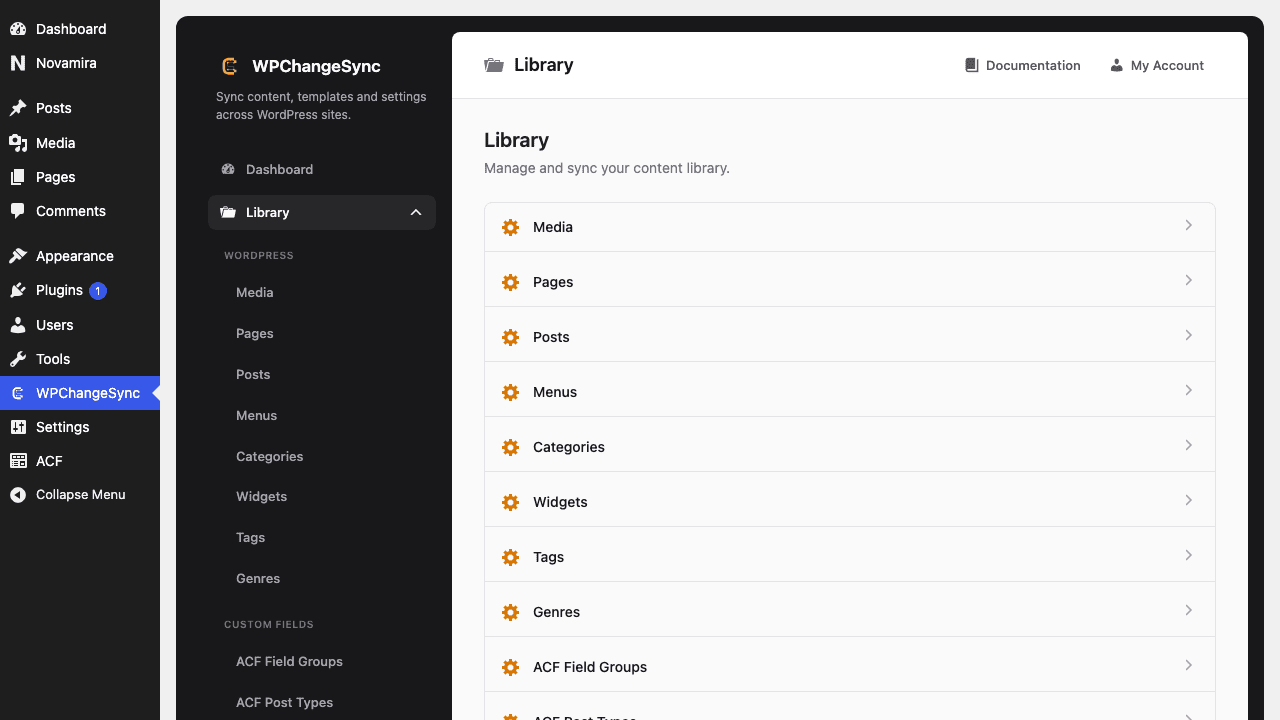
Open a Library section
Add workflows only when you want automation
wp wpchangesync workflow run import-from-files --mode=dry_runnwp wpchangesync workflow run import-from-files
Never import blind into production
If a payload touches pages, media, fields, or global styles, dry run and inspect Activity before execution.

Verify and recover

After completing this guide, verify the result in Activity and on the target site. Keep the pre-change export or backup until the release has been accepted. If anything looks wrong, stop further syncs, restore the affected item or integration from backup, and re-run with a narrower scope or safer conflict strategy.

How to find the workflow ID

Open Workflows in the admin UI and inspect the workflow details, or run wp wpchangesync workflow list. Use the ID from that list in workflow show and workflow run commands.