Guides/Daily Export Backup Daily Export Backup
Create scheduled JSON snapshots for routine recovery and audit trails.
Updated 5 June 2026·Task guide
Outcome
WPChangeSync exports selected integrations to storage on a schedule so recent JSON snapshots are available for review and recovery.
Video walkthrough
▶Video walkthrough coming soon.
The YouTube embed will appear here. Risk level
Low. Export-only backup guide. Monitor storage growth and test restores.
Before you start
- Storage is writable and has enough disk space.
- You know which integrations need daily snapshots.
- Old job and backup cleanup policies are understood.
Steps
- Create a Daily Export workflow
Use the built-in daily export template or schedule an export workflow. - Choose integration scope
Start with templates/components/settings, then add pages, media, fields, or global styles where needed. - Run once manually
Confirm output files and Activity logs look right. - Enable the schedule
Let WP Cron run the workflow daily. - Monitor storage growth
Periodically clean old job records and backup indexes while keeping recovery files as needed.
Screenshots
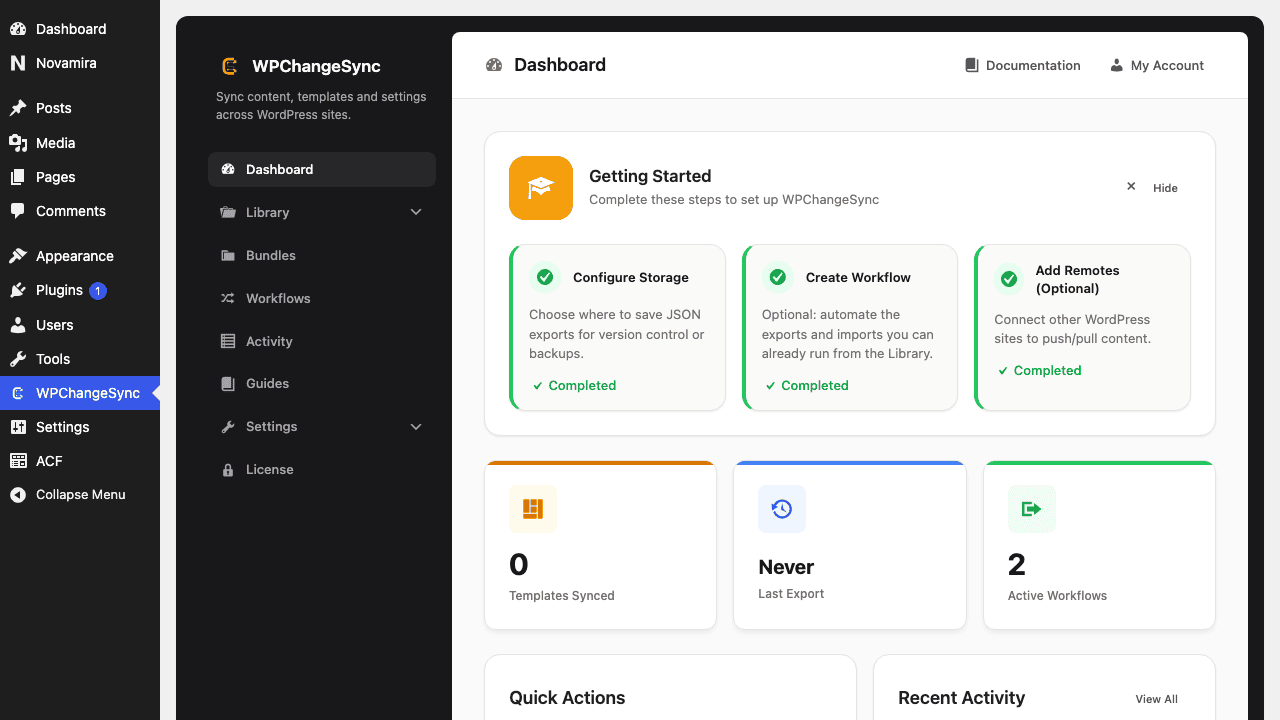 Automatic backups before overwrites
Backups should be restorable
Schedule exports are useful only if you occasionally test importing or restoring from them in staging.
Workflow template basis
WPChangeSync includes Daily Export and Export to Storage workflow templates for this use case.
$pathstringRequired
Absolute path of the directory to write the snapshot to.
$modestringOptionaldefault: two-way
Sync direction — push, pull or two-way.
$gitboolOptionaldefault: false
When true, commits the snapshot to the repository after writing.
