Guides/Production to Staging Sync Production to Staging Sync
Refresh staging from production without accidentally overwriting active development work.
Updated 5 June 2026·Task guide
Outcome
Staging is refreshed with current live templates/content before new work starts, while active staging experiments are protected or isolated.
Video walkthrough
▶Video walkthrough coming soon.
The YouTube embed will appear here. Risk level
Medium. Can overwrite staging work. Export staging first if experiments should be preserved.
Before you start
- Know which staging changes are disposable.
- Export staging first if there is work to preserve.
- Configure production as a remote with Application Password authentication.
Steps
- Export staging first
Create a local JSON backup of staging before pulling live data. - Pull from production as a dry run
Preview what will be imported and where conflicts appear. - Resolve conflict strategy
Use skip or prompt if staging has work that should survive. - Execute the pull
Import the selected production payload. - Re-apply local experiments if needed
Use the pre-pull staging export or Git branch to restore unfinished work.
Screenshots
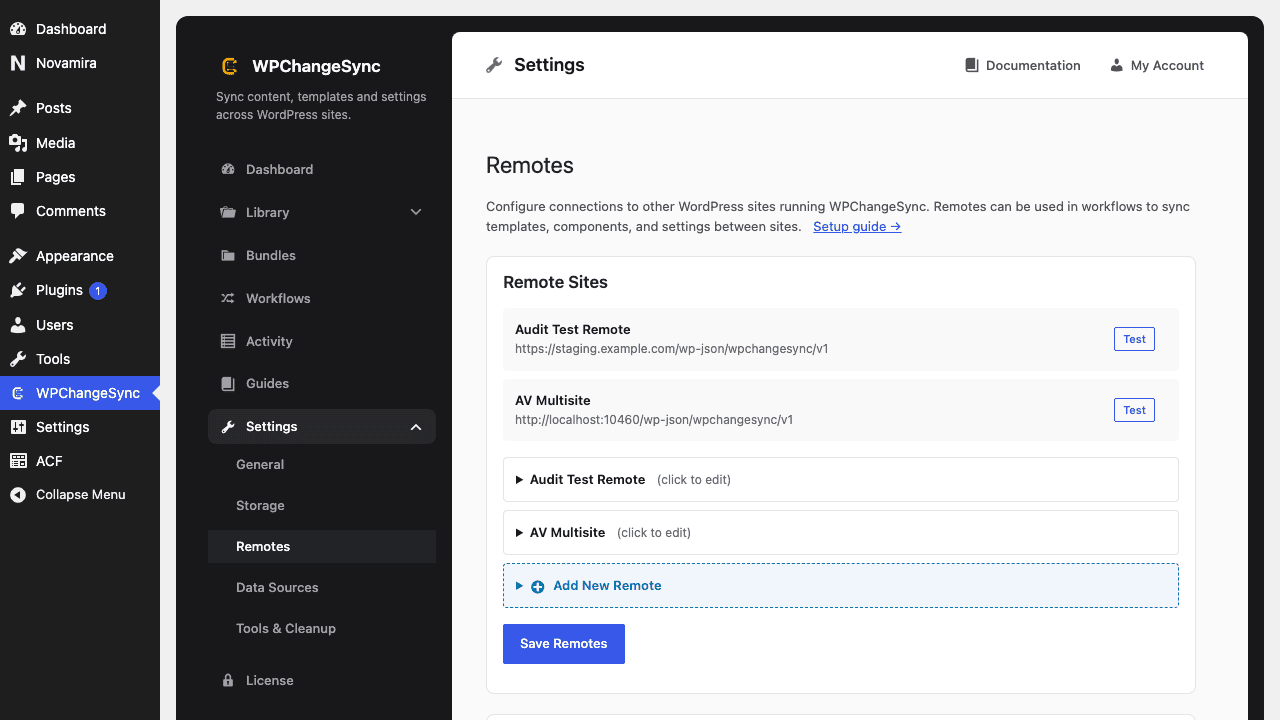 Set Up Production as a Remote
Best fit
Use this guide before starting a new release cycle, after emergency production edits, or when staging drift makes QA unreliable.
$pathstringRequired
Absolute path of the directory to write the snapshot to.
$modestringOptionaldefault: two-way
Sync direction — push, pull or two-way.
$gitboolOptionaldefault: false
When true, commits the snapshot to the repository after writing.
Prefer a clean staging branch
If staging contains experimental templates, export them separately or move them to a branch before refreshing from production.
