
Outcome
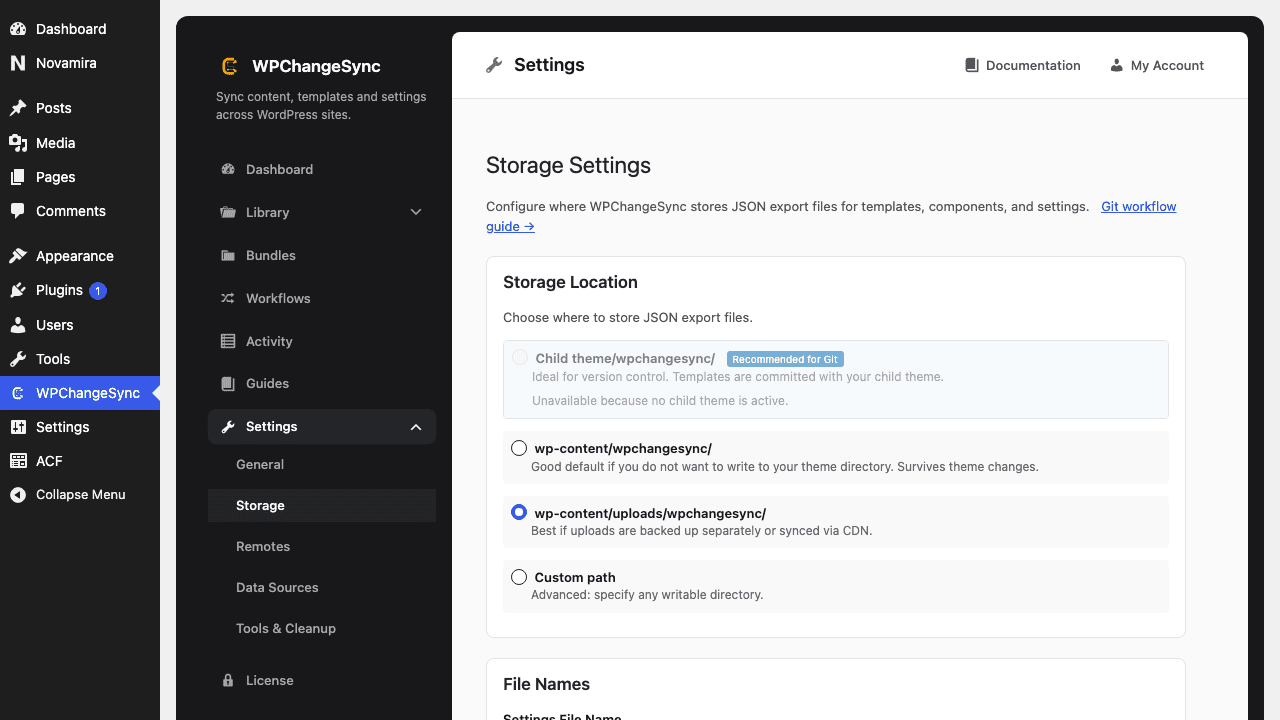
Builder templates, components, settings, and selected integration data are exported into Git-friendly JSON files that can be reviewed, committed, and deployed with the rest of your project.
Builder templates, components, settings, and selected integration data are exported into Git-friendly JSON files that can be reviewed, committed, and deployed with the rest of your project.
Video walkthrough coming soon.
The YouTube embed will appear here.Medium. Exporting is safe; imports from Git-tracked JSON need dry runs and review.
wp wpchangesync workflow run export-to-storage --mode=dry_run
wp wpchangesync workflow run export-to-storage
git status
git add wpchangesync/
git commit -m "Release updated header templates"After completing this guide, verify the result in Activity and on the target site. Keep the pre-change export or backup until the release has been accepted. If anything looks wrong, stop further syncs, restore the affected item or integration from backup, and re-run with a narrower scope or safer conflict strategy.
Open Workflows in the admin UI and inspect the workflow details, or run wp wpchangesync workflow list. Use the ID from that list in workflow show and workflow run commands.