
Activity as the first troubleshooting surface
Activity is the first place to look when something did not land as expected. It records sync operations, workflow runs, import and export outcomes, batch jobs, and configuration changes, each with a timestamp, a type, the details, and a pass or fail status.
Three views split it up: All Activity for everything in one stream, Sync Operations for transfers alone, and Audit Trail for the compliance-oriented record. A search box and filter narrow long logs, and Export CSV pulls the log out for a report or a handover.
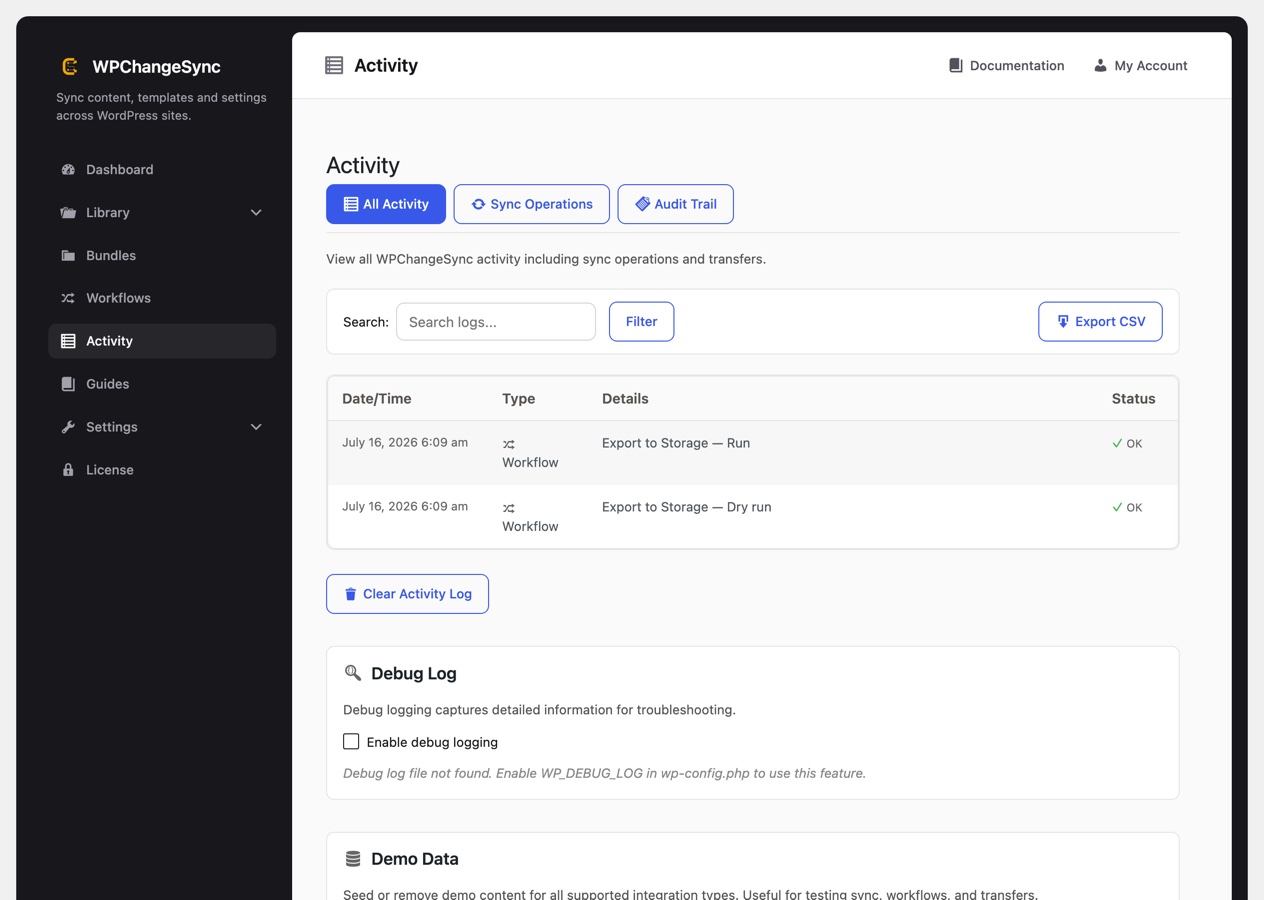
Two extras live further down the same screen. A debug log toggle, covered below, and a demo data seeder that can create and remove sample content across the supported integration types. The seeder is the safest way to try sync, workflows and transfers on a site without touching anything real.