Activate your licence, license a network, receive updates, and fix the two activation errors people actually hit.
Updated July 2026·WPChangeSync 2.1
Activating your licence
Open License in the WPChangeSync menu and enter your licence key. Activation unlocks the plugin's features and, just as importantly, authorises updates.
WPChangeSync is not distributed through the WordPress.org plugin directory, so the licence is the only thing that tells your site an update exists. An unlicensed or expired install keeps working with the version already on disk, but it will stop being offered new ones.
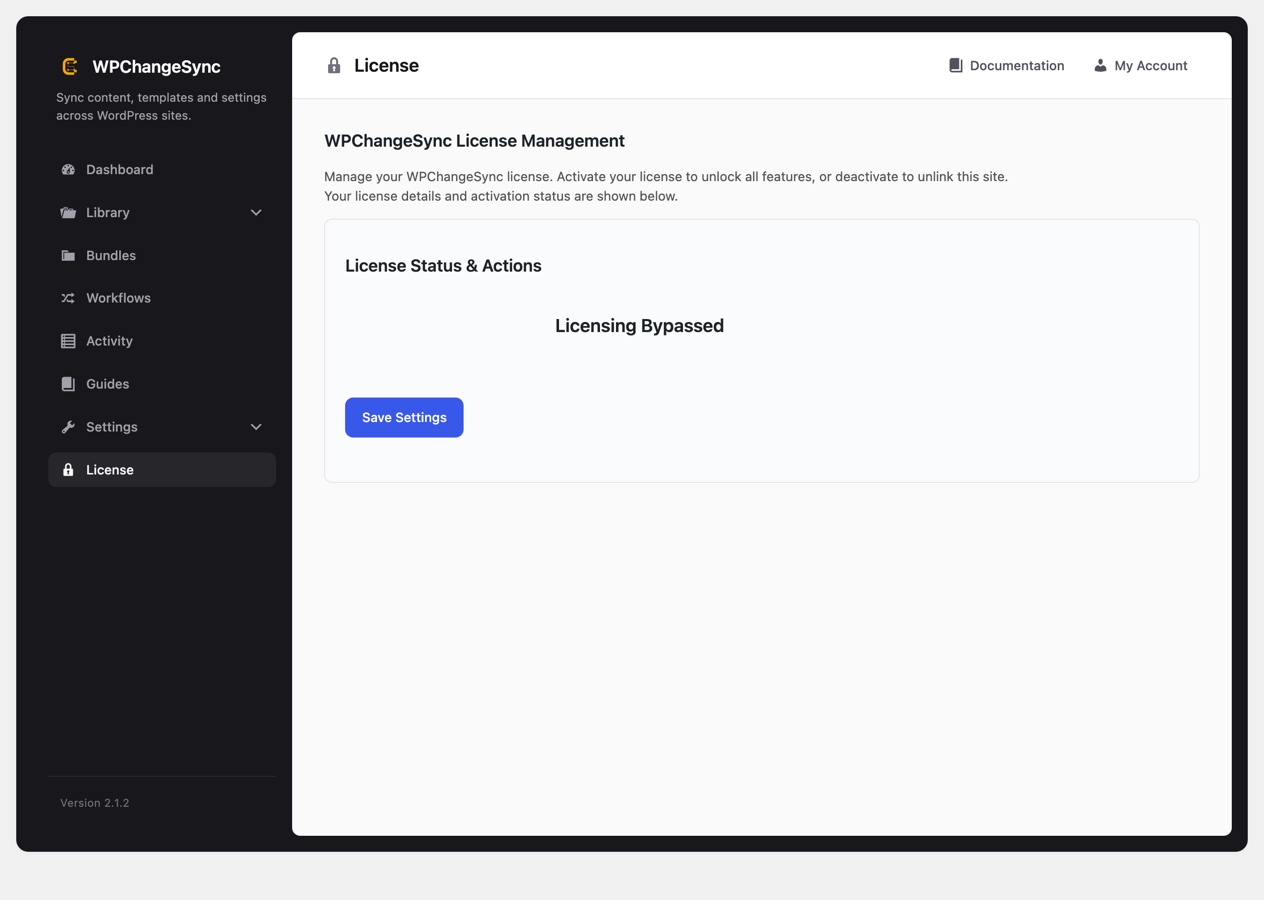
The License screen. Activation is what authorises both the features and the updates.
Licensing on multisite
On a network you can activate once at network level instead of site by site. Subsites then report that they are licensed via the network rather than asking for their own key.
One situation is worth knowing about: if a subsite still holds an old site-level licence, that stale record can block the valid network licence. The subsite shows a licence problem even though the network is licensed correctly. There is a one-click Use network license action to recover from exactly that, so you do not need to hunt through options tables.
How updates are delivered
With an active licence, updates arrive through the normal WordPress plugin update mechanism. There is nothing extra to install and no separate updater to configure.
Manually, from the Plugins screen, the same as any other plugin.
Automatically, by enabling auto-updates for WPChangeSync on the Plugins screen.
Because security fixes ship the same way as features, it is worth either enabling auto-updates or making the update part of your normal maintenance pass. The changelog on this site lists what each release changed, including anything that affects content already synced.
Coming from BricksSync? Your licence carries over automatically when you update in place, at both site and network level. There is nothing to re-buy and no key to re-enter. If you removed BricksSync and installed WPChangeSync fresh instead of updating, activate the same key on the new install.
If activation fails
Not valid for this product. This almost always means one of two things: the old BricksSync plugin is still the active one, or the plugin folder has been renamed. Keep the folder named wpchangesync and make sure the plugin you activated is the one you licensed.
No licence found on a subsite. If a subsite reports this straight after a network activation, reload the licence screen. The per-site verdict is cached, and the cache is invalidated network-wide when the network licence changes, so a stale reading resolves itself.
Still stuck. Check Activity on the affected site, and confirm the site can reach the licensing endpoint. A host that blocks outbound HTTPS will fail activation in a way that looks like a bad key.