Group Bricks templates, components, and global styles into a named, portable unit.
Updated July 2026·WPChangeSync 2.1
What a bundle is
A bundle groups Bricks templates, components, and global styles (classes, colours, typography) into a single named unit, for example a reusable Landing Page Kit. The point is that the pieces move together instead of one at a time.
An item can belong to more than one bundle, so a shared header can appear in several kits without being duplicated. Deleting a bundle only deletes the grouping, never the templates or components inside it.
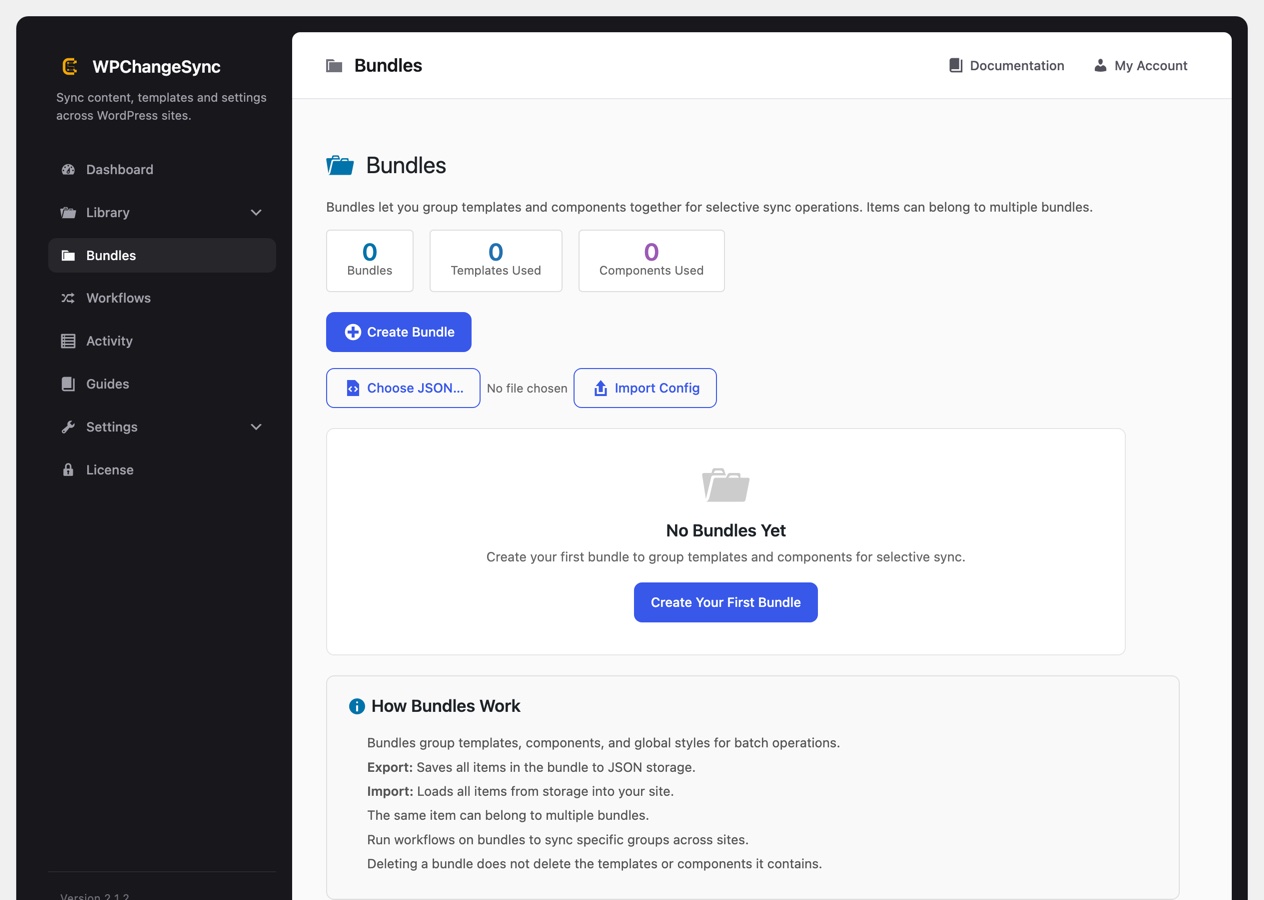
The Bundles screen on a site with no bundles yet. Create Bundle starts one, Import Config recreates one from JSON.
Using bundles
Open the Bundles tab and click Create Bundle, give it a name, then tick the templates, components, and styles it should contain.
From there a bundle can be moved in two different senses. Export Config downloads the bundle definition as JSON, and Import Config recreates that same grouping on another site. Separately, exporting the bundle itself writes all of its items to JSON storage, and importing loads all of them back in.
Referencing a bundle from a workflow step is what makes this worth setting up: one action then exports, imports, or pushes everything the bundle contains, which is how a design-system kit gets distributed to several sites without re-selecting items each time.
Bundles are a Bricks feature
Bundles group Bricks templates, components, and global styles, so Bricks Builder must be active. For non-Bricks content, sync the relevant Library sections directly or build a custom data source.