Docs/Custom Data Sources

Custom Data Sources

Turn any plugin's data into a syncable Library section, no code required.
Updated July 2026·WPChangeSync 2.1

What a custom source is

A custom source is a named group of one or more parts, built under Settings, then Data Sources. Each part is one kind of data: an options prefix such as myplugin_, a custom database table prefix, a post type, or a taxonomy. You can add as many parts as the plugin needs, and repeat a type, for example two different options prefixes.

In the Library the whole source appears as a single collapsible group. Expand it to reach each part, which then exports, imports, pushes, and joins workflows exactly like a built-in integration. One workflow checkbox for the source covers every part it contains.

Two safeguards are built in: values whose names end in suffixes like _key, _token, _secret, or _password are skipped automatically, and WordPress core option prefixes cannot be selected at all. If you are not sure what a plugin stores, its table names and option names usually start with its own slug.
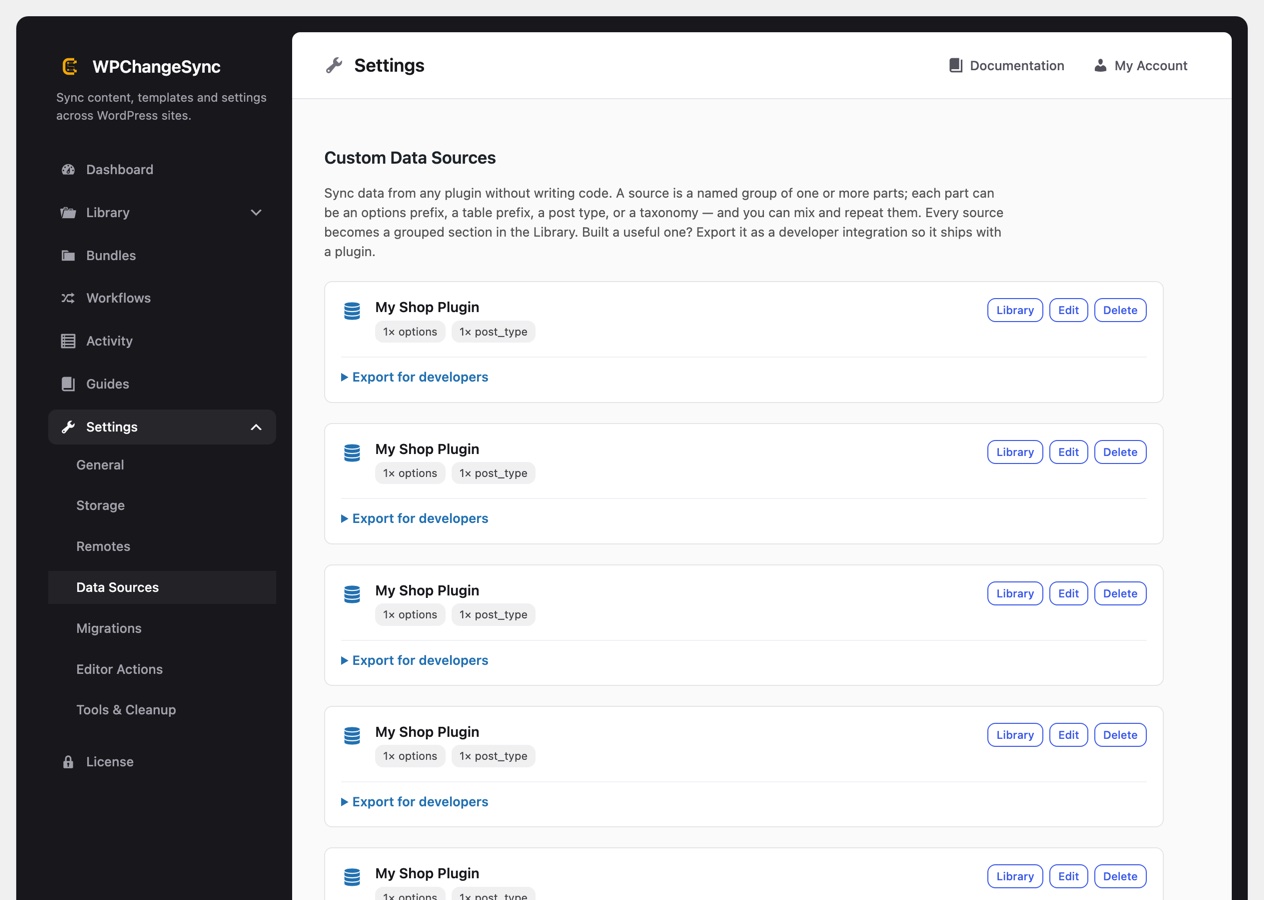
The Data Sources settings screen where custom sources are built
Settings, then Data Sources. Each source is built from parts, one per data type.

Part types

Each part can be one of:

  • An options prefix (e.g. myplugin_*): syncs all matching options.
  • A custom database table prefix: syncs the matching tables.
  • A post type: syncs those posts like any other CPT section.
  • A taxonomy: syncs its terms.

Mix and repeat parts freely: a single source can combine, say, two options prefixes, a table prefix, a post type, and a taxonomy.

Secrets and core data are protected

Options and table parts whose value ends in an obvious secret suffix (keys, tokens, passwords) are excluded automatically, and WordPress core prefixes cannot be added as a source.

Export for developers (Integration Studio)

Every source has an Export for developers panel that turns it into a shippable integration. Pick a detection rule (so it only activates where the target plugin or data exists), then copy ready-to-ship JSON config files or a wpchangesync_register_integration() PHP snippet. See Extending WPChangeSync.