
Workflow engine
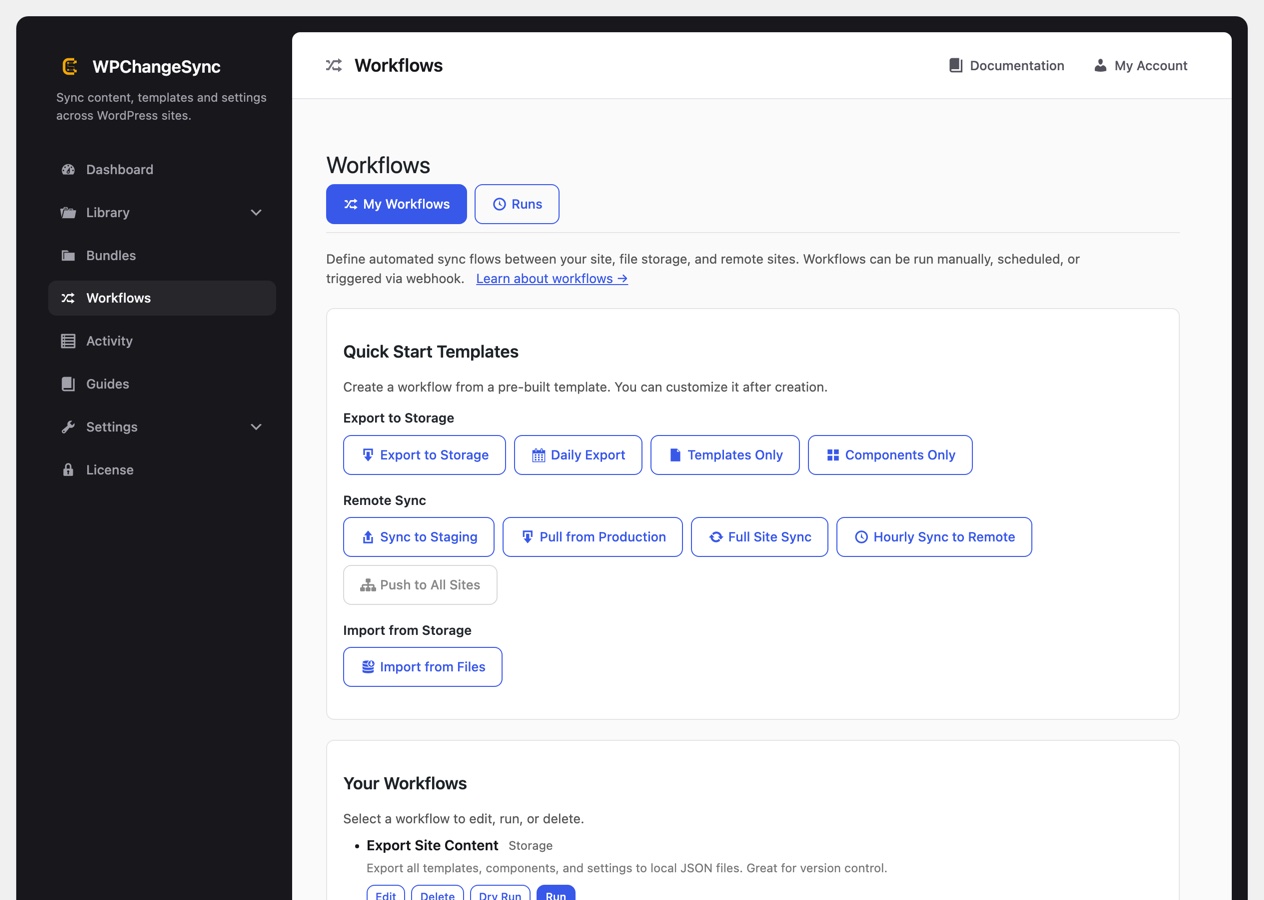
A workflow is a named, repeatable sequence of sync steps: export to storage, import from storage, push to a remote, pull from a remote, or several of those in order. You run it by hand, on a schedule, or from a webhook, and a Runs tab keeps the history of every execution.
Because the steps are saved rather than improvised, a release becomes something you can rehearse. Every workflow supports a dry run that reports exactly what would change without writing anything, and individual steps can require approval or put the site into maintenance mode while they run.
Notifications close the loop: choose whether to be told when a step needs approval, when a run finishes, or when one fails, and send that by email, webhook, or both. Slack and Discord webhook URLs are detected and formatted automatically.
Webhook triggers. Beyond running a workflow by hand or on a schedule, you can generate a trigger URL for it: edit the workflow and use Generate Webhook URL. The URL carries its own token for authentication, so a deploy pipeline can fire a sync at the right moment by calling it. That is the usual way to hang WPChangeSync off CI rather than off WP-Cron.