
Press and media kit.
Everything you need to write about WPChangeSync
WPChangeSync moves WordPress content, settings, and page-builder data between sites as Git-friendly JSON files, with dry runs, approvals, and rollback. It works with any builder, or none at all.
Everything on this page is free to use in articles, reviews, newsletters, videos, and podcasts. You do not need permission, and there are no conditions on how you describe the product. If you need an asset, a review licence, or a detail that is not here, email support@wpchangesync.com.
Fast facts
- Product: WPChangeSync (formerly BricksSync)
- Tagline: Move changes, not databases.
- Category: content sync, migration, and deployment for WordPress
- Current version: 2.1.2, released July 2026
- Requires: WordPress 5.8 or newer, PHP 8.0 or newer
- Works with: any builder or none, including Bricks, Gutenberg, Elementor, and Divi, plus ACF, Meta Box, Pods, WooCommerce, and 50+ integrations
- Pricing: from $129 per year, lifetime from $249
- Maker: Gert Wierbos, an Alterview product, based in the Netherlands
- Links: site, docs, changelog
Boilerplate
Copy and paste freely. No attribution required.
One line
WPChangeSync syncs WordPress content, settings, and builder data between sites as Git-friendly JSON files.
Short, about 40 words
WPChangeSync is a WordPress plugin that moves content, custom fields, settings, and page-builder data between sites as reviewable JSON files. It supports staging to production workflows, remote push and pull, dry runs, approvals, and rollback, with or without a page builder.
Long, about 90 words
WPChangeSync turns WordPress changes into files you can review, version, and deploy. Instead of copying databases or re-entering settings by hand, teams export content, custom fields, taxonomies, media, and builder data as Git-friendly JSON, then push it to another site with a dry run first and rollback if anything looks wrong. It is builder-agnostic, working with Bricks, Gutenberg, Elementor, Divi, or no builder at all, and it reads ACF, Meta Box, Pods, and WooCommerce natively. Migration Transforms reshape content on import so differently-built sites can still sync.
Logo
SVG, so it scales cleanly at any size. Please keep some clear space around it, and do not recolour, stretch, or add effects.


Downloads: Wordmark SVG · Wordmark SVG (light) · Icon SVG · Icon PNG, 512px


Brand colour: #f1a706 on #1f2228.
Screenshots
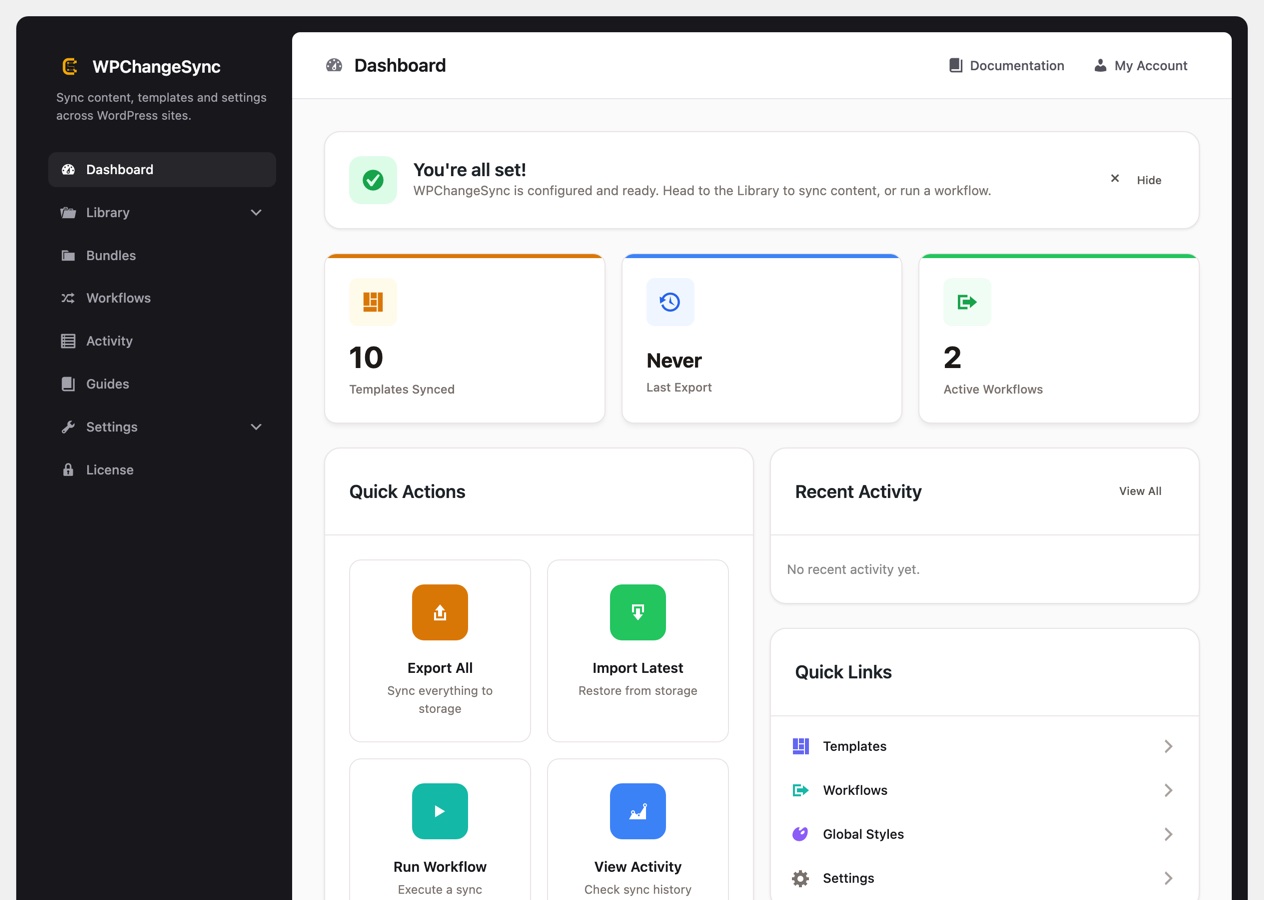
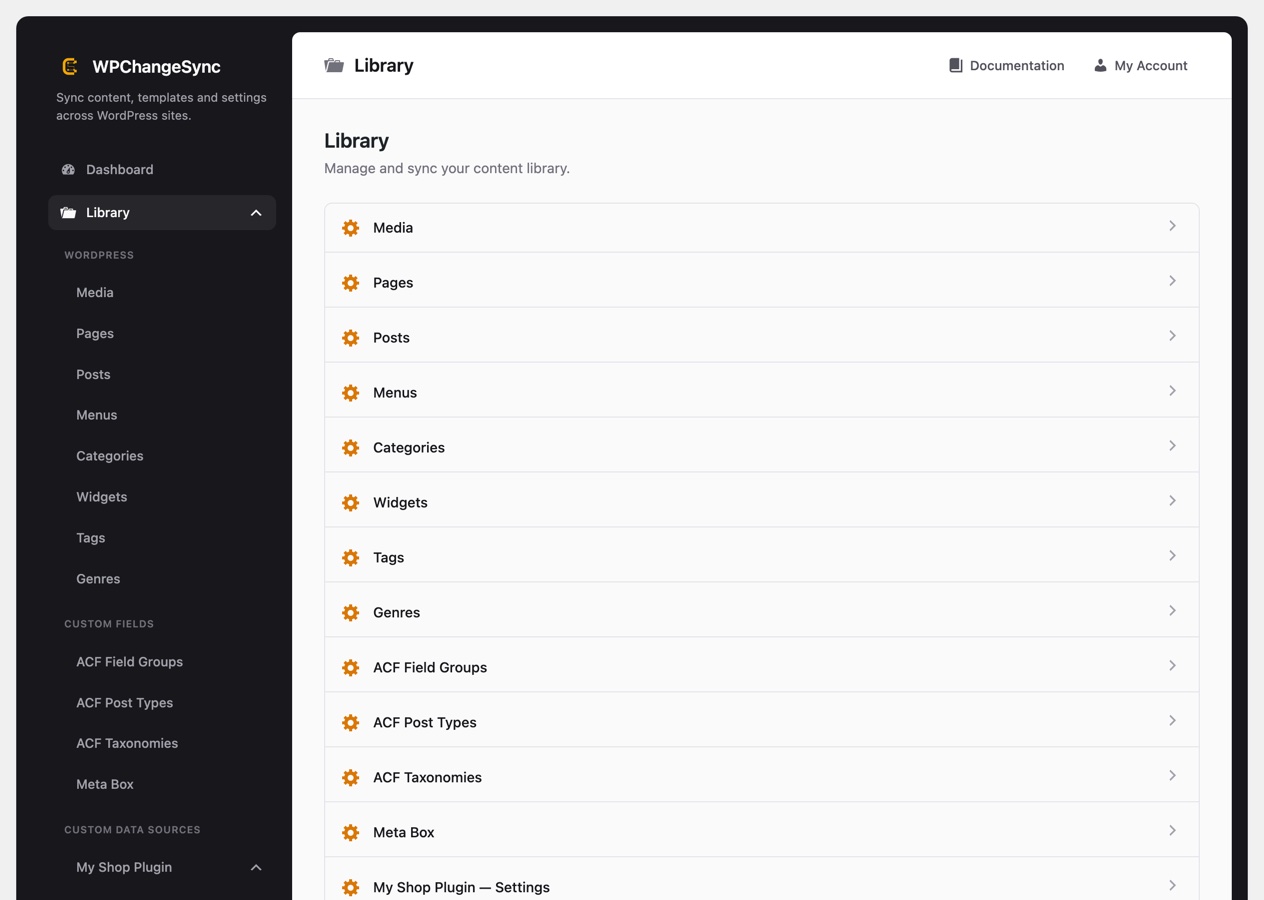
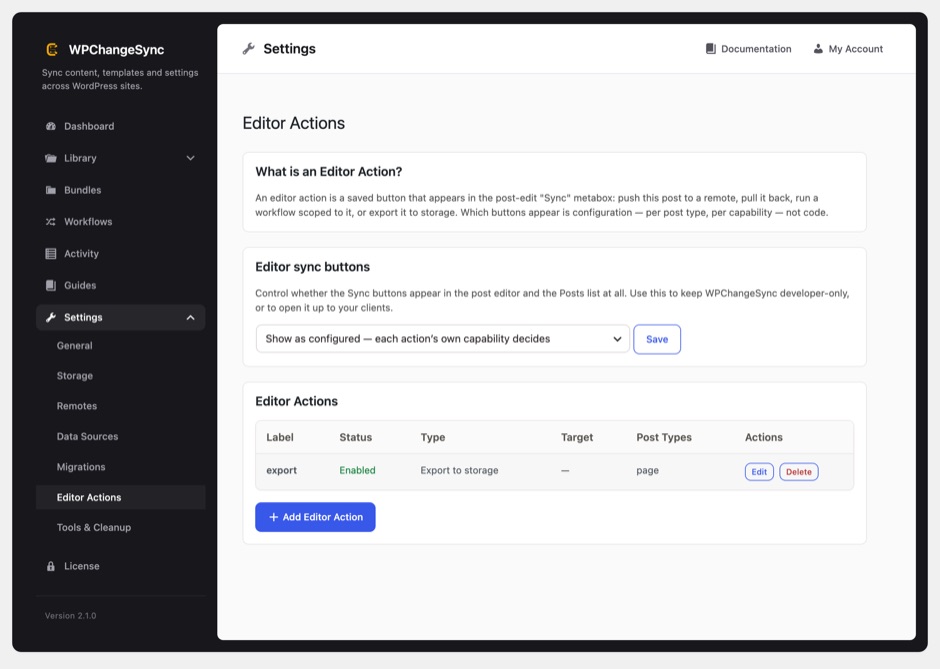
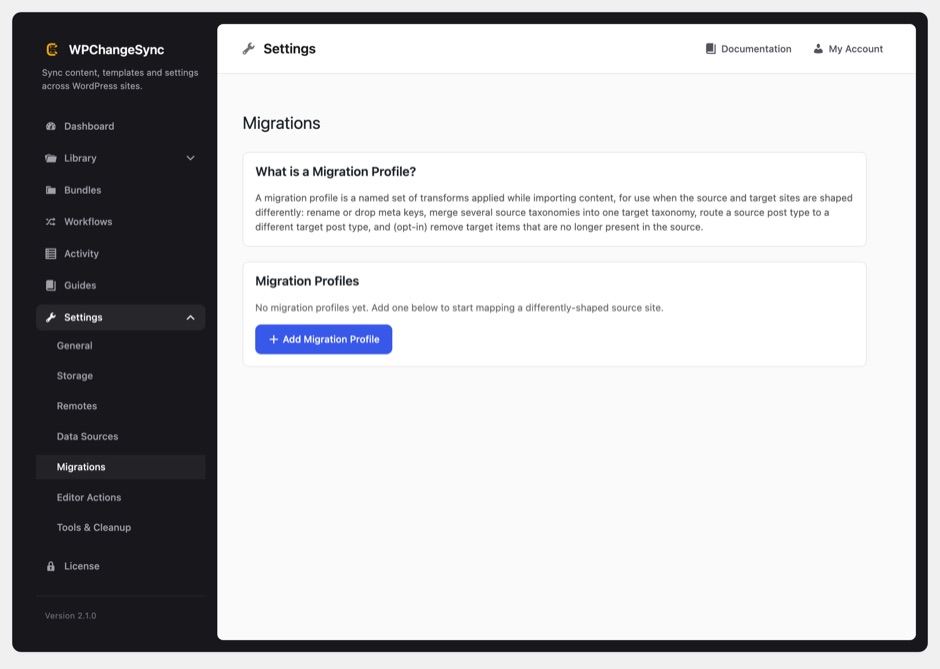
All from version 2.1. Click any image to view it larger.
Story angles
If you are looking for a hook, these are the ones people find most interesting.
- Move changes, not databases. Developers version their code but still move site configuration by hand. WPChangeSync puts content, fields, and settings into reviewable JSON so a release is a diff, not a database copy.
- The custom fields problem nobody talks about. ACF image and gallery fields store bare attachment IDs, so images silently break when content moves between sites. Version 2.1.2 remaps image, gallery, and file fields to the destination media library automatically, and deliberately leaves every other field type untouched.
- A niche tool that outgrew its niche. It launched as BricksSync for Bricks Builder, then became builder-agnostic and was renamed. Same engine, much wider audience.
- Sites that are not built the same can still sync. Migration Transforms rename fields, merge taxonomies, remap IDs, and route post types on import, so two differently-built sites can exchange content.
- Built by one person in the Netherlands, funded entirely by customers, no investors.
Press contact
Gert Wierbos, maker of WPChangeSync. Email support@wpchangesync.com and you will get a reply the same week.
Review licences
If you write, record, stream, or podcast about WordPress, ask and you will get a free unlimited licence. No strings, no conditions, and no approval over what you say about it. Honest criticism is more useful than a nice review.